- 1
- BLACKL
- TABLETAPPLE iPad Mini 8NEW iPad A16(2025) iPad 10.9" 10th (2022) iPad 10.2" (7th/8th/9th) iPad Air 13" (M2/M3/M4)(2024/2025/2026)NEW iPad Air 11" (M2/M3/M4)(2024/2025/2026)NEW iPad Mini 8.3" (A7 Pro/6th Gen) iPad Pro13"(M4/M5)(2024/2025) iPad Pro11"(M4/M5)(2026) iPad 9.7" (5th/6th Gen) iPad Pro 12.9"(2018-2022) iPad Pro 11"(2018-2022) iPad 9.7"(2th/3th/4th) iPad Air 10.9"(4th/5th Gen) iPad Mini 7.9"(4th/5th Gen)SAMSUNG Galaxy Tab A11 Galaxy Tab A11 Plus Galaxy Tab S11 Galaxy Tab S12 PlusNEW Galaxy Tab S12 UltraNEW Galaxy Tab A9+ Galaxy Tab A9 Galaxy Tab A8 Galaxy Tab A7 Galaxy Tab A7 Lite Galaxy Tab S11 Ultra/S10 Ultra/S9 Ultra/S8 Ultra Galaxy Tab S10+/S9+/S9 FE+ Galaxy Tab S10Lite/S10 FE/S9 FE/S9 Galaxy Tab S8+/S7+/S7 FE Galaxy Tab S8/S7 Galaxy Tab S6 lite Galaxy Tab A10.1 Galaxy Tab A8.4 Galaxy Tab A8.0 Galaxy Tab S10 FE+LENOVO iDea tab 11/Tab K11 Gen 2 /Xiaoxin Pad 11 2025 Lenovo Tab K9 (Tab One) 2025 Lenovo Tab M10 10.1"(2025) Lenovo Tab M10 Plus 10.6" (3rd Gen) Lenovo Tab M10 HD 10.1" (3rd Gen) Lenovo K10/M10 Plus 10.3" (2nd Gen) Lenovo Tab M10 HD 10.1" (2nd Gen)XIAOMI Redmi Pad 2 9.7 InchNEW Xiaomi Pad8/8Pro 11.2" Redmi Pad2/Pad2.4G Xiaomi Pad 6/6 Pro 11" Redmi Pad 10.61" Redmi Pad Se 11" Redmi pad Se 4G 8.7" Xiaomi Pad7/7 Pro 11.2" Redmi Pad Pro/Xiaomi Poco Pad/Redmi Pad2 Pro 12.1HUAWEI Huawei Matepad Se 10.4" Huawei Matepad 11" Huawei Matepad 11.5" Huawei Matepad SE 11" Huawei Matepad T8 8" Huawei Matepad T10 9.7"
- CATEGORIES
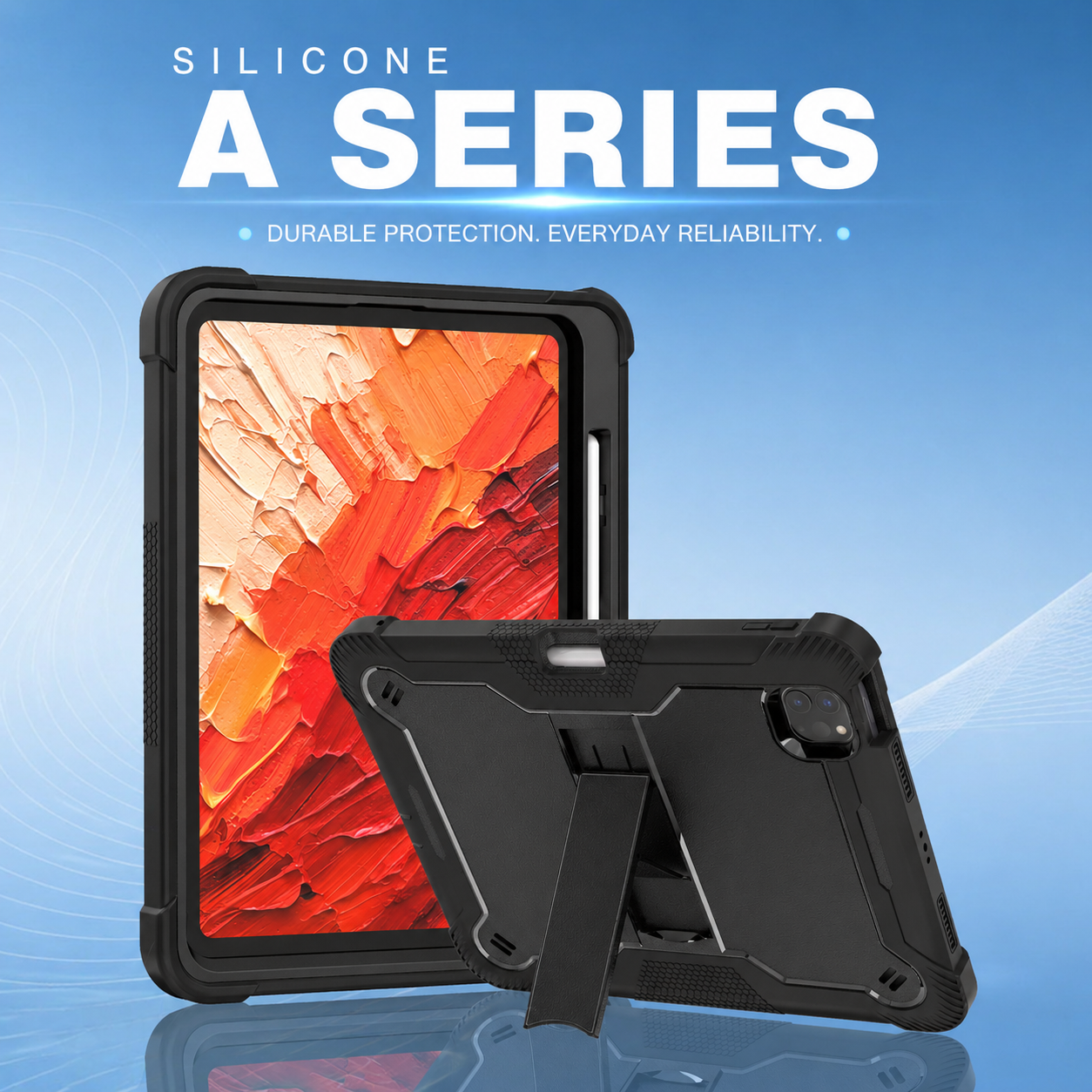
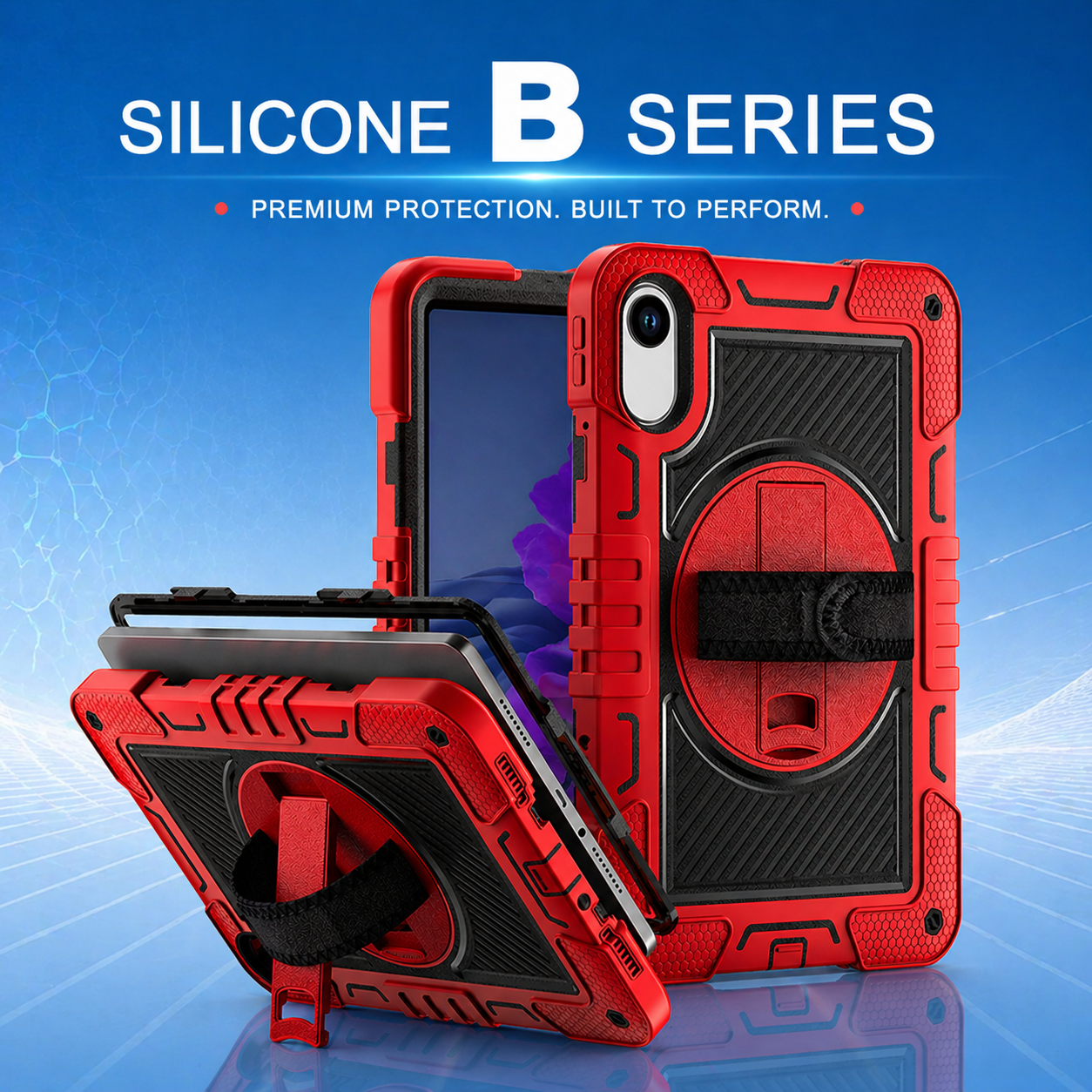
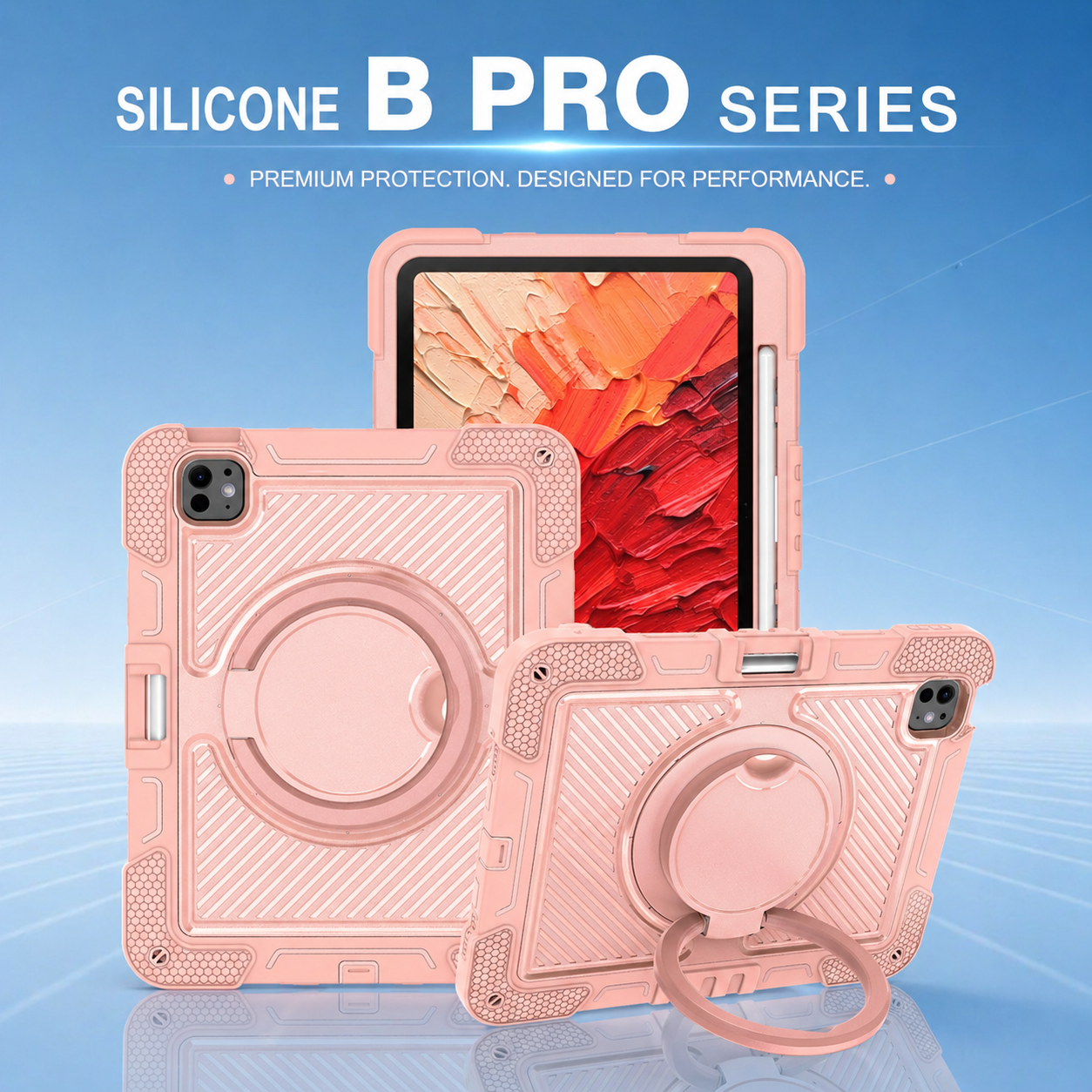
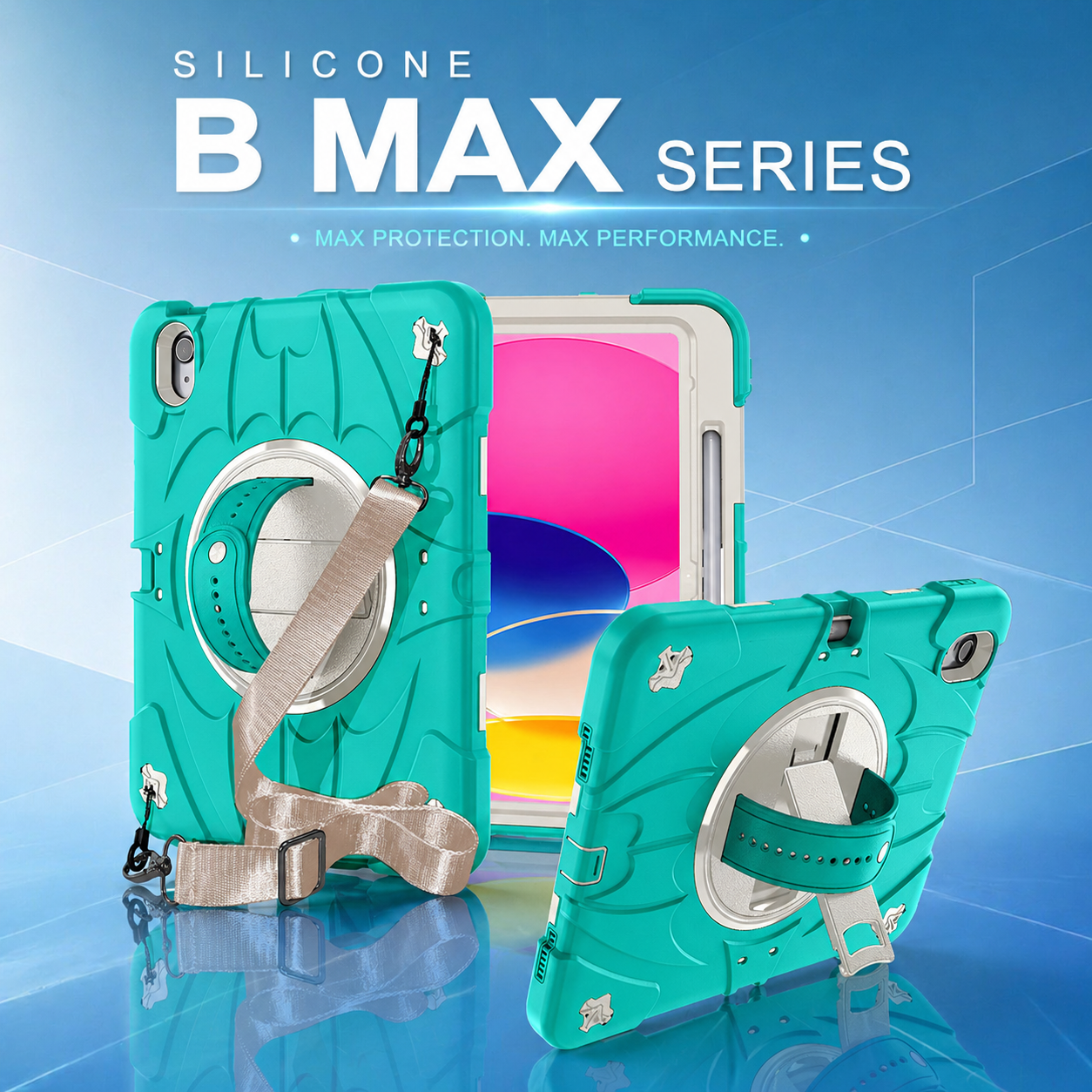
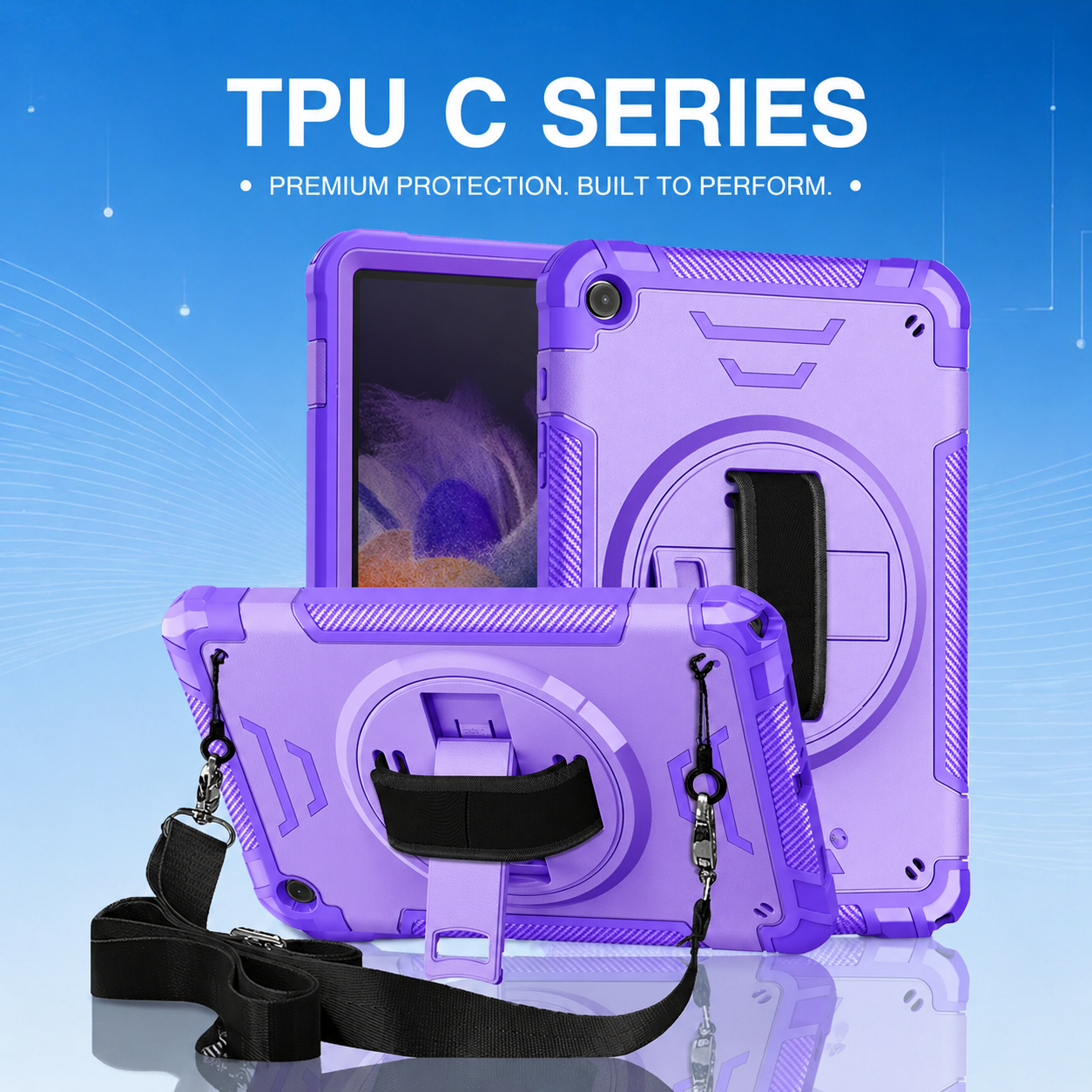
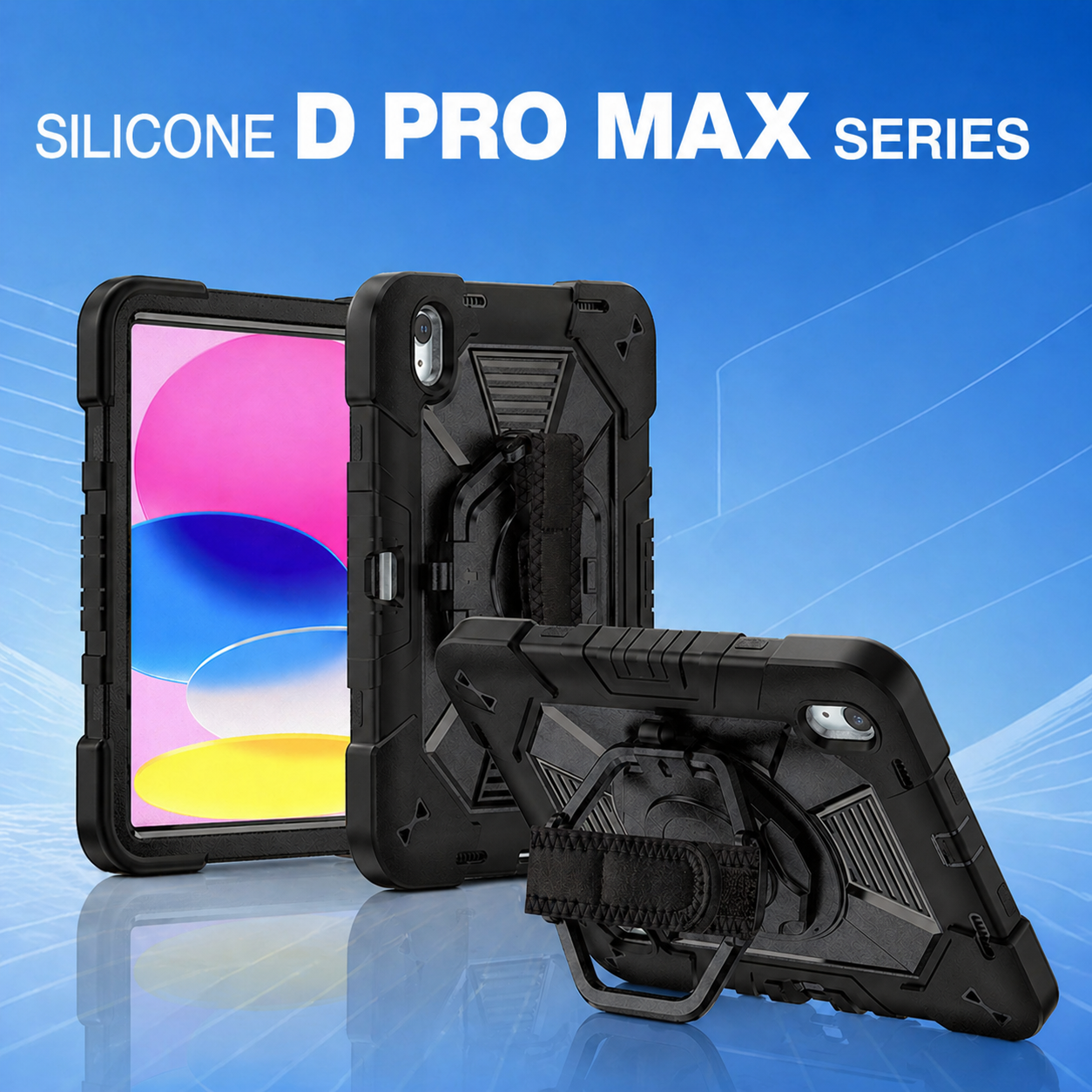
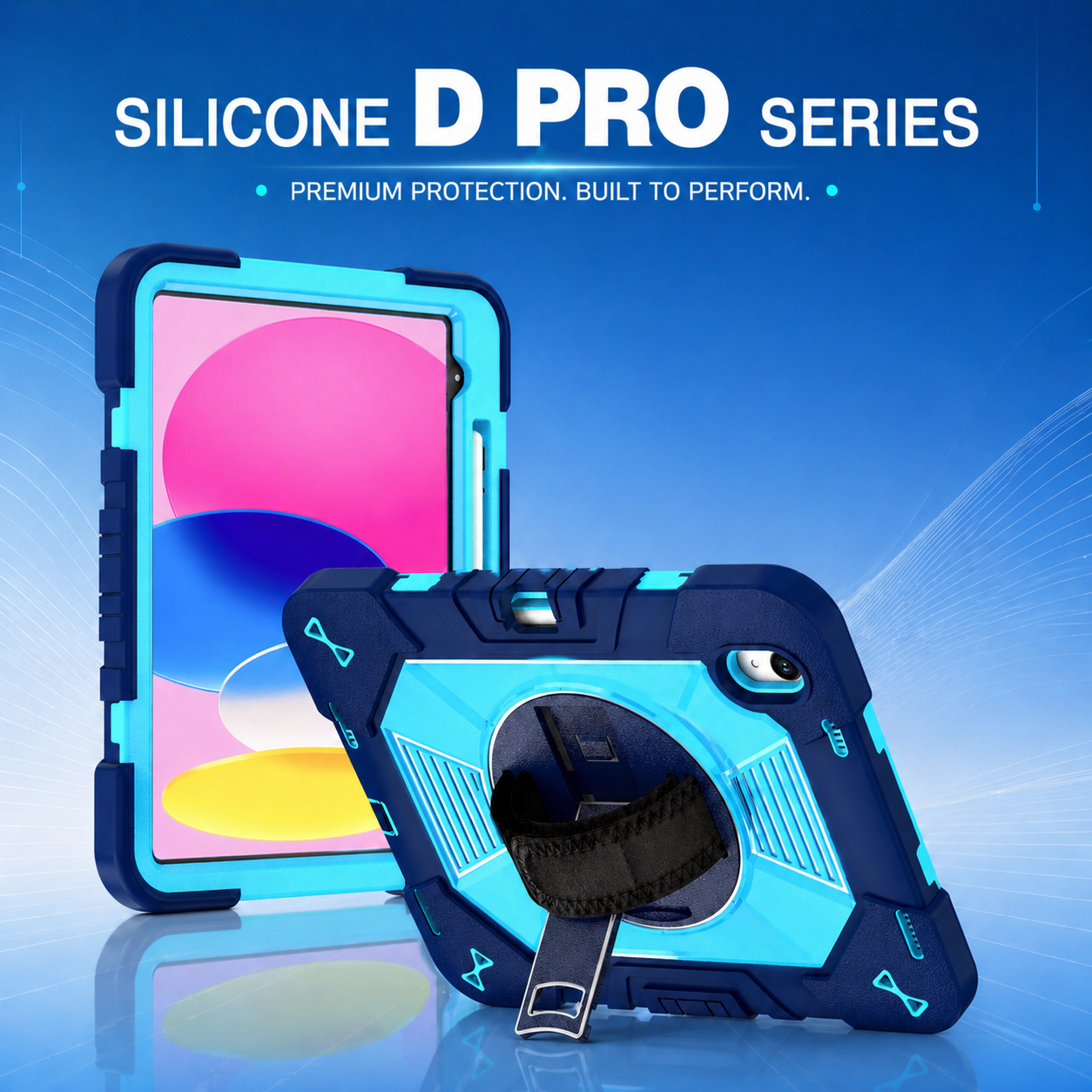
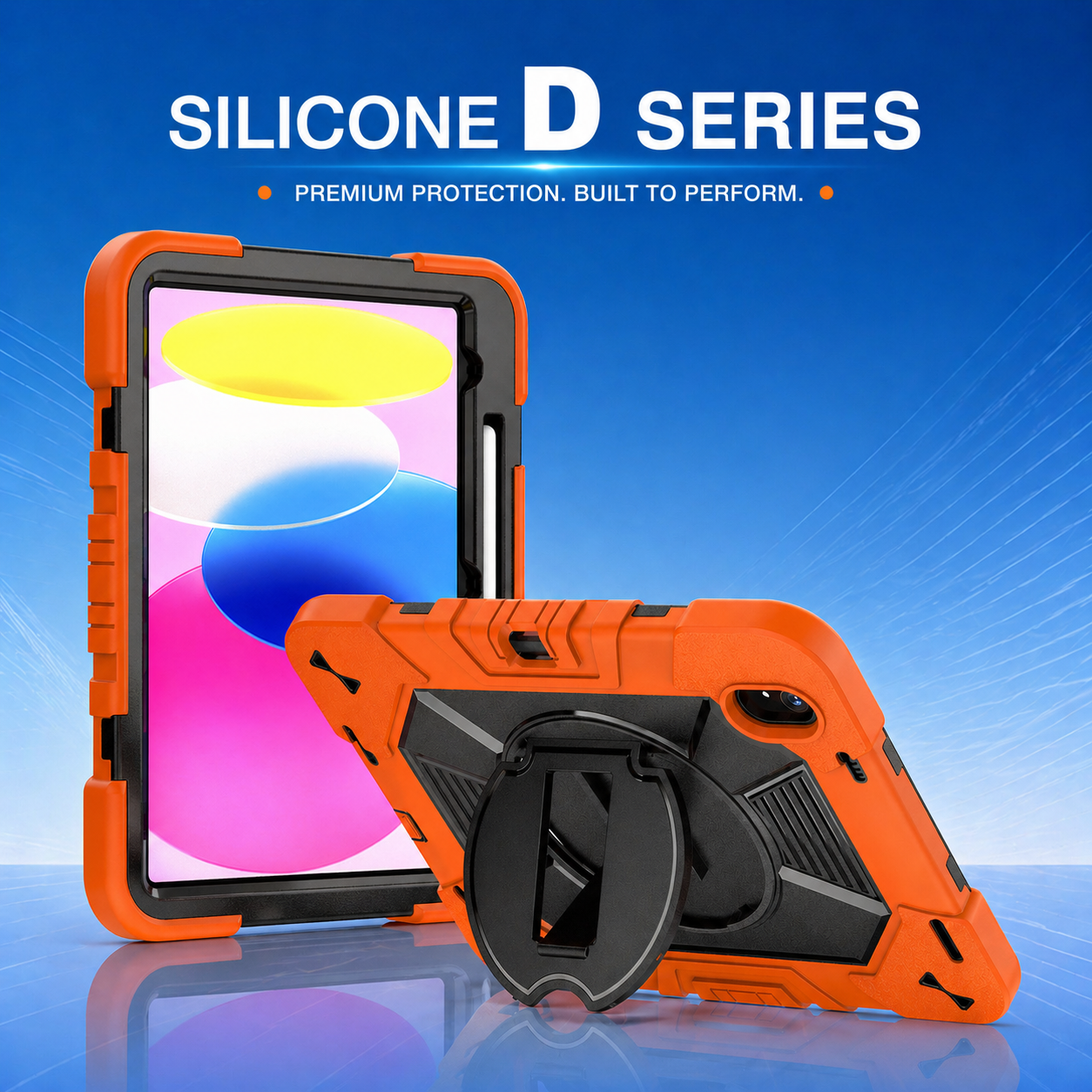

Industry-Specific Tablet Protection for Education, Healthcare, Warehousing, and Field Service
Businesses often buy one tablet model across several departments and assume one case can serve every user. That approach simplifies purchasing, but it can create poor ergonomics, accessory conflicts, and avoidable damage. In 2026, effective tablet protection begins with the workflow. Education, healthcare, warehousing, logistics, and field service expose devices to different risks and require different combinations of grip, cleaning, carrying, mounting, and screen access.
Shared Environments: Education and Healthcare
Education: protection must support shared use
Classroom tablets are handled by many users, moved between desks, stored in charging carts, and frequently dropped from seated or standing height. The design should have rounded edges, a secure grip, simple controls, and materials that can withstand repeated cleaning. Bright colors or asset labels can help teachers organize devices by class or grade.
A kids education tablet case also needs practical stand positions for reading, video lessons, typing, and group work. Oversized handles may help younger users but can interfere with charging carts, so schools should test the complete storage and charging process. Screen protection should preserve touch response and stylus use while reducing scratches from backpacks and shared surfaces.
Healthcare: cleanability and controlled access are essential
Healthcare tablets may be used for registration, bedside documentation, telehealth, medication workflows, and patient education. Cases must support frequent disinfection without becoming sticky, cracked, discolored, or difficult to reassemble. Smooth surfaces and limited debris traps can make cleaning more consistent.
Access to cameras, microphones, speakers, and scanning functions must be validated because these features often support clinical applications. Hand straps should reduce drop risk during rounds, while stands should remain stable on carts or counters. Some facilities may also require tamper resistance, restricted port access, or color coding for departments.
Industrial Movement: Warehousing and Logistics
Warehousing: impact, dust, and glove use drive the design
Warehouse tablets are exposed to concrete floors, pallet edges, dust, forklifts, and constant movement. Reinforced corners, a high-grip outer surface, and dependable strap anchors are usually more valuable than a slim appearance. Buttons should be easy to locate and operate while wearing gloves.
A full body protective tablet case can protect the screen edge, camera, and chassis during repeated handling. However, it must still work with barcode scanners, charging docks, vehicle mounts, and warehouse software. Teams should test the device while walking, scanning, mounting, and charging rather than evaluating the case only at a desk.
Logistics: carrying and vehicle transitions create unique risks
Drivers and delivery teams move tablets between vehicles, loading areas, customer sites, and outdoor environments. A shoulder strap can free both hands, but anchor placement determines whether the device hangs securely or swings into surrounding objects. A rotating hand strap supports signatures and proof-of-delivery tasks, while a stable stand can help with route review.
Vehicle mounts introduce vibration and repeated attachment cycles. The case should lock into the mount without forcing workers to remove protective layers. Charging cables must remain accessible, and the camera opening must support clear photos and barcode capture. Weather exposure, temperature changes, and dust should be included in the pilot test.
_Rugged_Tablet_Case.png)
Mobile and Customer-Facing Workflows
Field service: one-handed work and visibility matter
Technicians may use tablets on ladders, at utility sites, beside machinery, or in direct sunlight. They need secure one-handed control, reliable shoulder carrying, and fast access to cameras, flashlights, and diagnostic applications. The case should not create sharp pressure points during long use.
A multi angle kickstand tablet case can support documentation, remote expert calls, and equipment diagrams when a technician needs both hands. The stand must hold position on uneven surfaces and resist collapse during touch input. High-visibility colors may help users find devices in vehicles or job sites, while custom branding can support asset control.
Office and retail: lower impact does not mean no risk
Tablets used at reception desks, retail counters, or meeting spaces may face fewer severe drops, but they are handled continuously and may require secure stands, cable management, and customer-facing presentation. A lighter case may be appropriate if it preserves mounting and security requirements.
Retail deployments should also consider payment accessories, scanners, card readers, and countertop stands. The case should support fast cleaning and maintain a professional appearance after repeated customer interactions.
Build a common platform with industry-specific modules
Organizations do not always need completely different products for every department. A modular base case can use interchangeable hand straps, shoulder straps, kickstands, screen frames, mounting plates, or port covers. This approach preserves common device fit while adapting the product to each workflow.
Procurement teams can define a core specification for impact protection, material quality, device compatibility, and branding, then add modules by user group. Education may select a simplified stand and bright colors. Healthcare may prioritize smooth surfaces and cleaning resistance. Warehousing may add heavy-duty straps and mounts. Field service may require shoulder carrying and reinforced kickstands.
Validate with Real Users and Measurable Criteria
Run pilot programs with the people who do the work
A short pilot should include representative users, real accessories, and normal shift conditions. Ask employees to record drops, fatigue, cleaning time, charging difficulty, blocked functions, and any reason they remove the case. IT teams should track device incidents and support requests.
The pilot should produce measurable acceptance criteria: charging success, stand stability, cleaning compatibility, strap comfort, mount retention, camera performance, and damage rate. These results make supplier discussions more precise and help prevent costly changes after mass deployment.
Choose by workflow, not by category name
“Rugged” is not a complete requirement. The right design is the one that reduces risk without slowing the user. By matching materials, carrying systems, stands, mounts, and cleaning features to each environment, businesses can protect devices while improving daily productivity.
Next article: how to select an OEM or ODM tablet case manufacturing partner for scalable B2B programs.






.png)
+86 13422271740
.png)
info@tongmeitech.com
.png)
No. 34, Mashe Section, Guihe Road, Lishui Town, Foshan, Guangdong, China