- 1
- BLACKL
- TABLETAPPLE iPad Mini 8NEW iPad A16(2025) iPad 10.9" 10th (2022) iPad 10.2" (7th/8th/9th) iPad Air 13" (M2/M3/M4)(2024/2025/2026)NEW iPad Air 11" (M2/M3/M4)(2024/2025/2026)NEW iPad Mini 8.3" (A7 Pro/6th Gen) iPad Pro13"(M4/M5)(2024/2025) iPad Pro11"(M4/M5)(2026) iPad 9.7" (5th/6th Gen) iPad Pro 12.9"(2018-2022) iPad Pro 11"(2018-2022) iPad 9.7"(2th/3th/4th) iPad Air 10.9"(4th/5th Gen) iPad Mini 7.9"(4th/5th Gen)SAMSUNG Galaxy Tab A11 Galaxy Tab A11 Plus Galaxy Tab S11 Galaxy Tab S12 PlusNEW Galaxy Tab S12 UltraNEW Galaxy Tab A9+ Galaxy Tab A9 Galaxy Tab A8 Galaxy Tab A7 Galaxy Tab A7 Lite Galaxy Tab S11 Ultra/S10 Ultra/S9 Ultra/S8 Ultra Galaxy Tab S10+/S9+/S9 FE+ Galaxy Tab S10Lite/S10 FE/S9 FE/S9 Galaxy Tab S8+/S7+/S7 FE Galaxy Tab S8/S7 Galaxy Tab S6 lite Galaxy Tab A10.1 Galaxy Tab A8.4 Galaxy Tab A8.0 Galaxy Tab S10 FE+LENOVO iDea tab 11/Tab K11 Gen 2 /Xiaoxin Pad 11 2025 Lenovo Tab K9 (Tab One) 2025 Lenovo Tab M10 10.1"(2025) Lenovo Tab M10 Plus 10.6" (3rd Gen) Lenovo Tab M10 HD 10.1" (3rd Gen) Lenovo K10/M10 Plus 10.3" (2nd Gen) Lenovo Tab M10 HD 10.1" (2nd Gen)XIAOMI Redmi Pad 2 9.7 InchNEW Xiaomi Pad8/8Pro 11.2" Redmi Pad2/Pad2.4G Xiaomi Pad 6/6 Pro 11" Redmi Pad 10.61" Redmi Pad Se 11" Redmi pad Se 4G 8.7" Xiaomi Pad7/7 Pro 11.2" Redmi Pad Pro/Xiaomi Poco Pad/Redmi Pad2 Pro 12.1HUAWEI Huawei Matepad Se 10.4" Huawei Matepad 11" Huawei Matepad 11.5" Huawei Matepad SE 11" Huawei Matepad T8 8" Huawei Matepad T10 9.7"
- CATEGORIES


How Protective Tablet Cases Support Infection Control in Healthcare
In hospitals and clinics, tablet protection must address two risks at the same time: physical damage and contamination. A device may be dropped during a patient transfer, placed on a busy workstation, or shared by several clinicians in one shift. It may also be wiped repeatedly with approved cleaning products. For this reason, #TabletProtectionSolution planning should include cleanability, material durability, and structural protection rather than focusing only on appearance.
1. Shared devices require practical cleaning
Healthcare tablets often move between nurses, physicians, technicians, patients, and support staff. A case with deep decorative grooves, exposed foam, loose edges, or difficult-to-reach seams can collect dust and residue. By contrast, a well-designed protective case uses smoother surfaces, tightly fitted components, and clearly accessible buttons so routine wiping can be completed quickly.
Cleaning requirements differ by facility, so buyers should confirm compatibility with their organization’s approved disinfectants. Material performance matters because frequent chemical exposure may cause some low-quality cases to become brittle, sticky, faded, or warped over time.
2. Material combinations improve protection
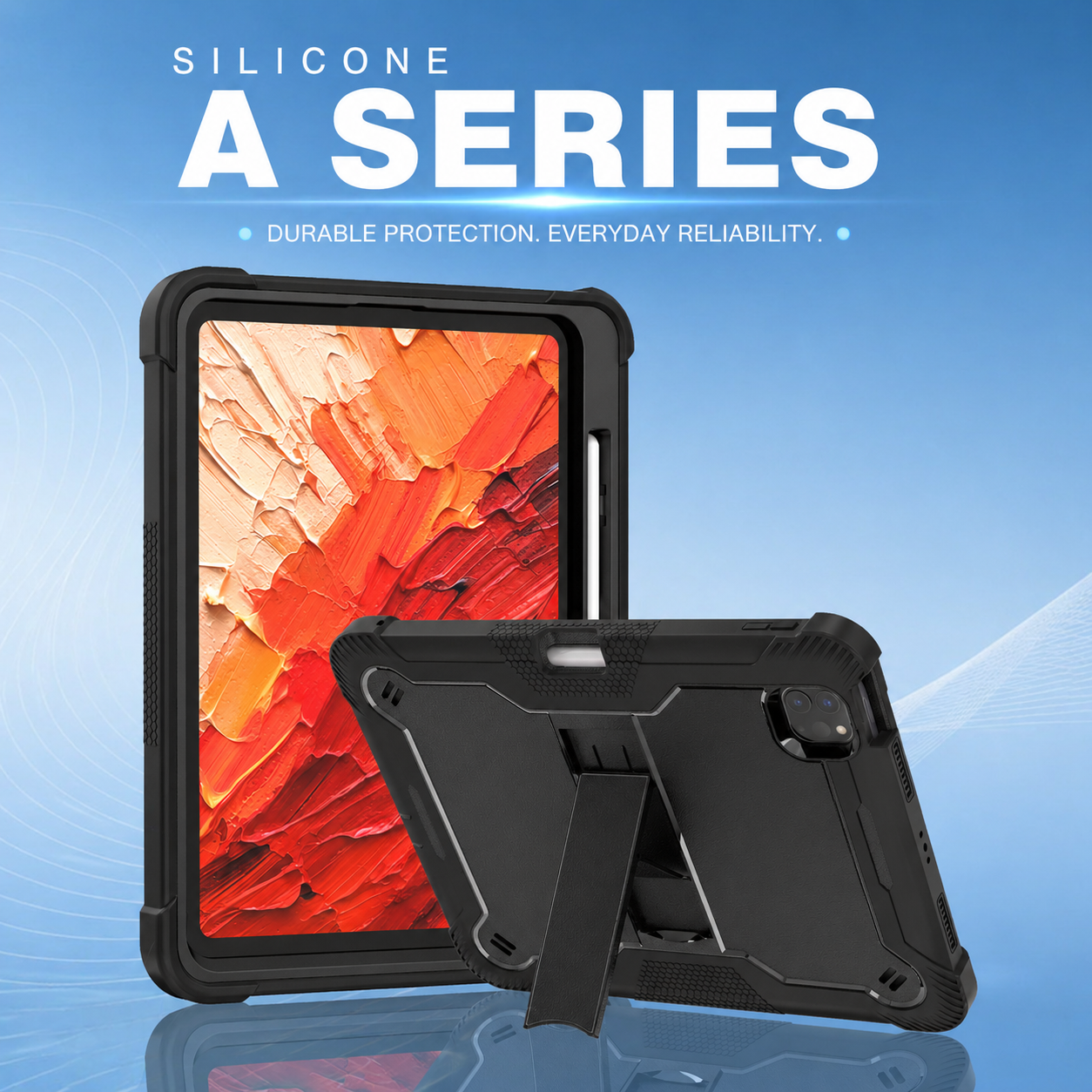
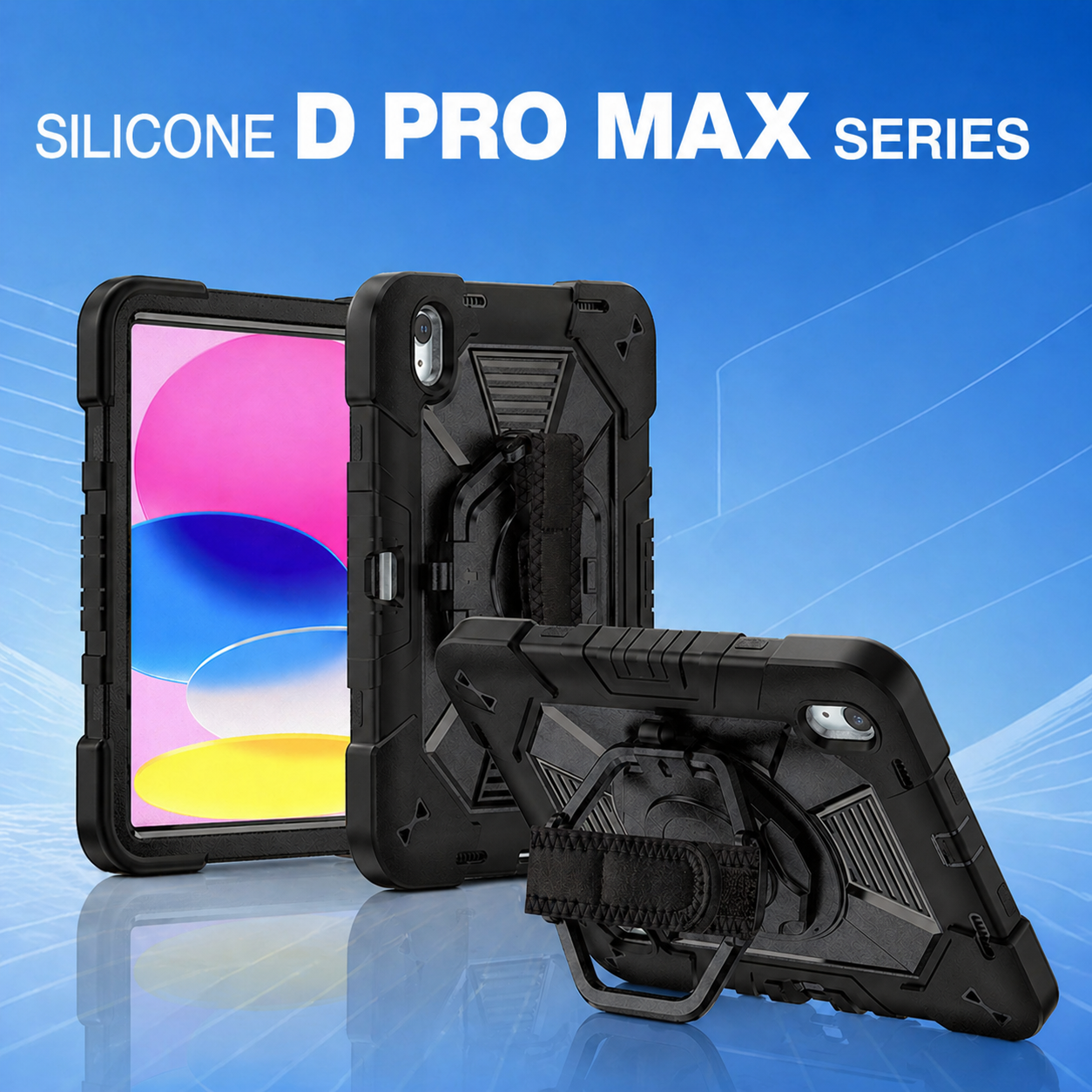
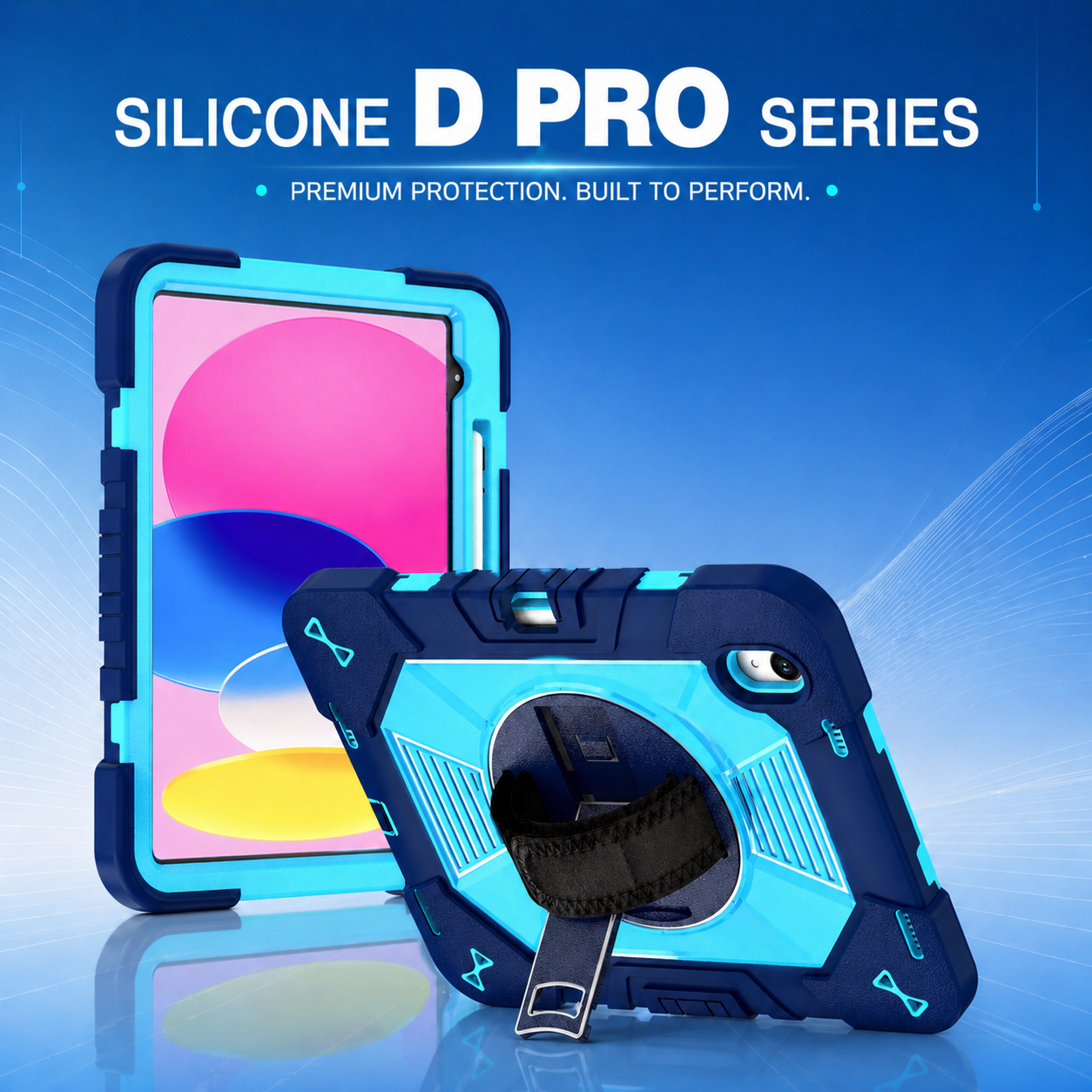
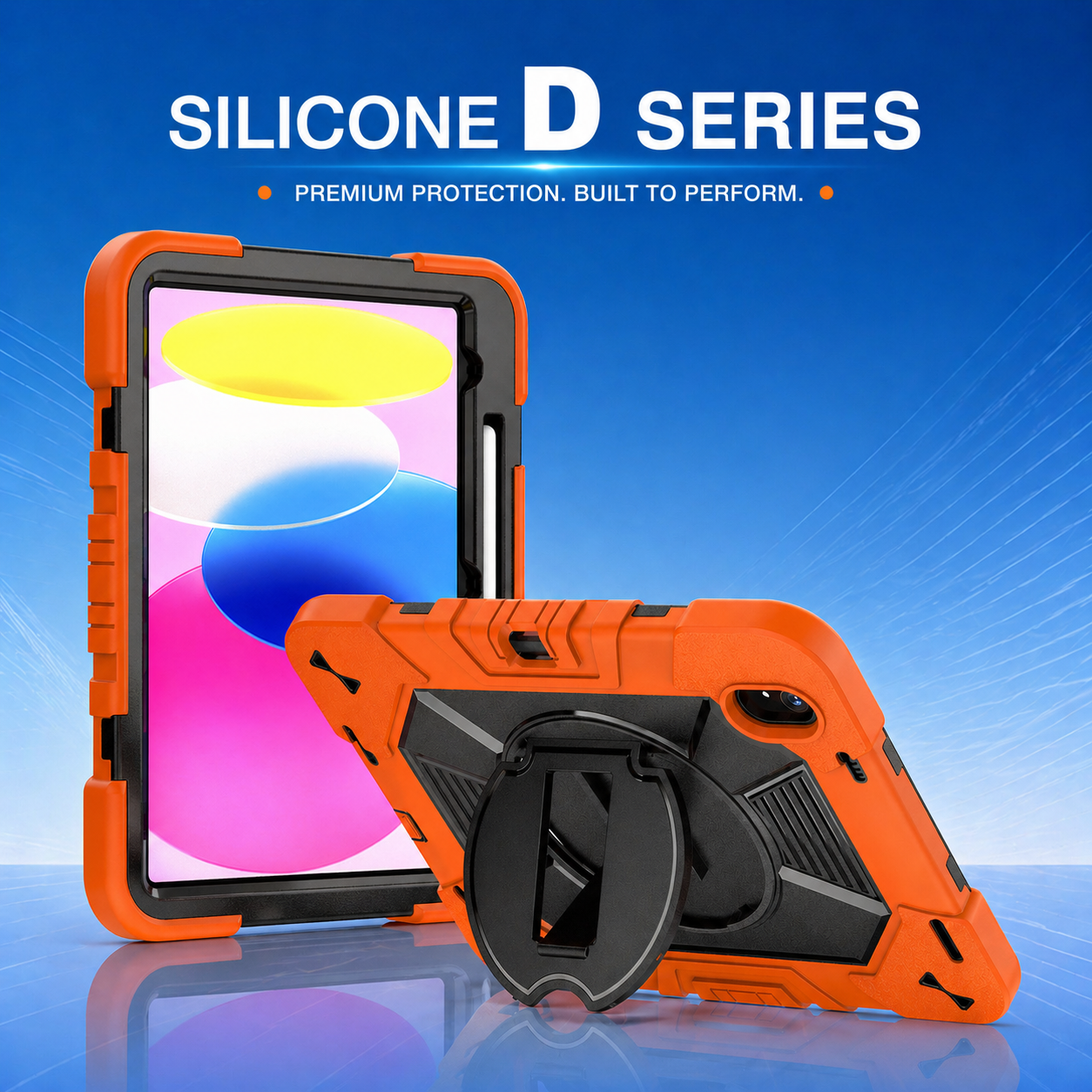
A PC+Silicone tablet case combines a rigid polycarbonate shell with a flexible silicone exterior. The hard layer helps distribute impact forces and maintain shape, while the softer layer absorbs shock and improves grip. This combination can be especially useful in clinical environments where staff need both durability and comfortable handling.
Silicone can also help reduce slipping when a device is carried with dry or gloved hands. However, the design should avoid excessive texture that traps debris. The best construction balances grip, cleanability, precise fit, and easy access to cameras, speakers, charging ports, and barcode-scanning accessories.
3. Screen and corner protection are essential
Tablet damage frequently begins at the corners or screen edges. Reinforced corner structures absorb energy at the most vulnerable impact points, while a raised bezel helps keep the display from contacting a flat surface directly. A shockproof iPad tablet case may also include an integrated frame or compatible screen protector to reduce scratches and cracking.
Healthcare buyers should verify that protection does not interfere with touch sensitivity, stylus use, biometric sensors, or front-facing cameras. Clinical applications often require fast, accurate input, so a case must protect the device without slowing staff down.
4. Port covers need the right balance
Charging ports and audio openings are common entry points for dust and liquid residue. Flexible port covers can add protection, but they must remain easy to open and close during daily use. Covers that are too stiff may frustrate users, while loose covers may fail to stay in place.
Facilities using charging carts, docking stations, or cable locks should test the case with existing equipment before a large deployment. Even a protective design with excellent impact resistance can create workflow problems if it blocks a connector or prevents the tablet from fitting into a charging bay.
5. Ergonomic features reduce unnecessary contact
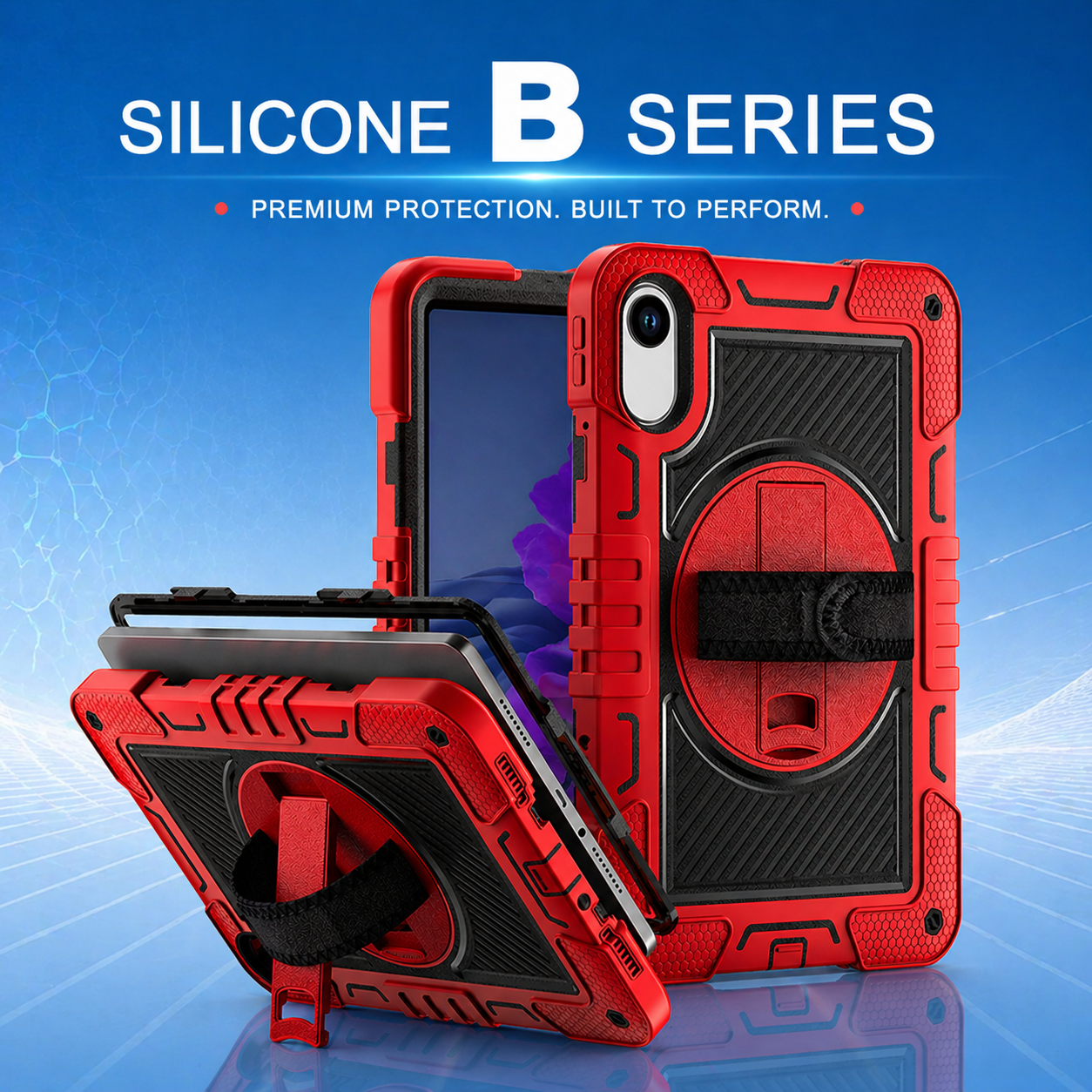
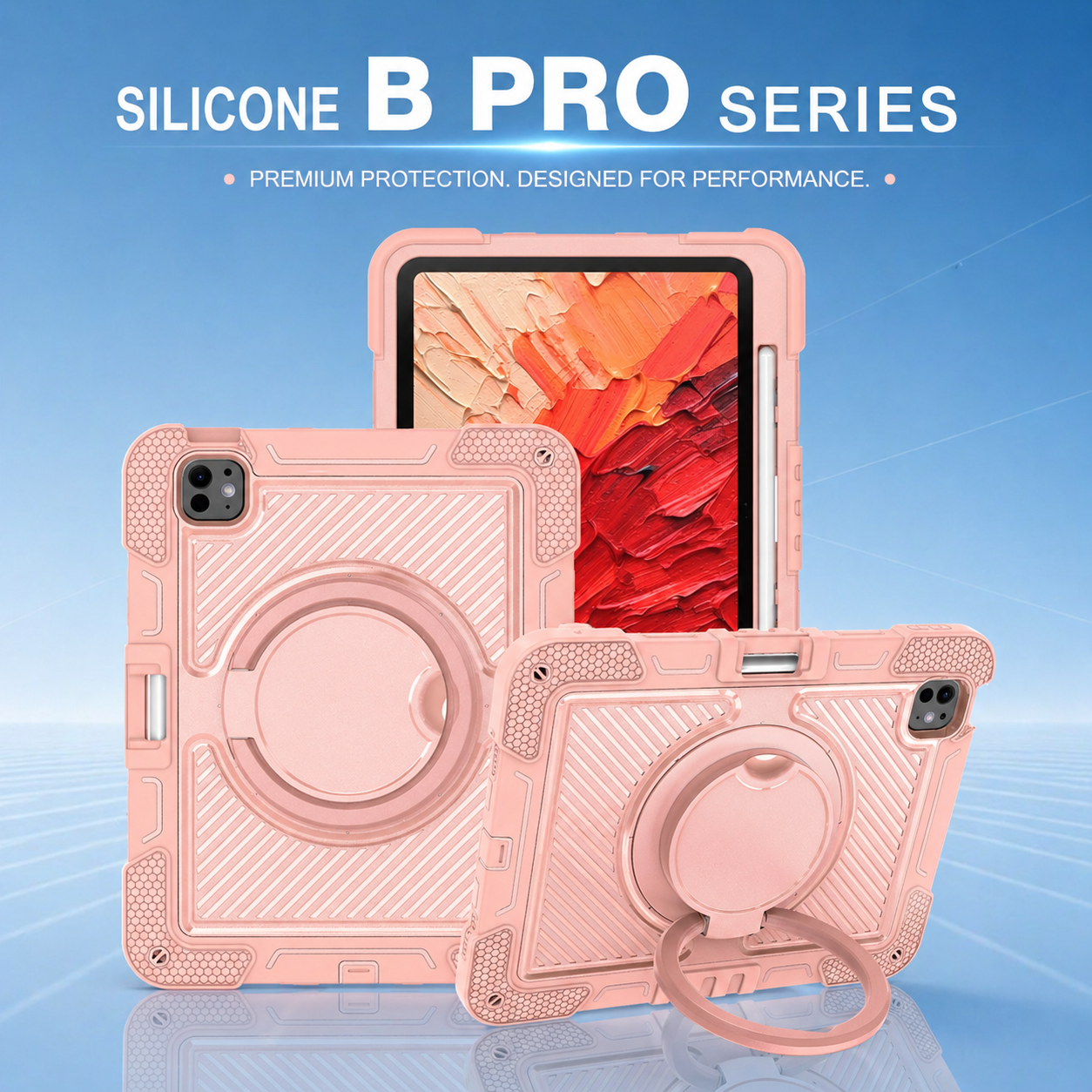
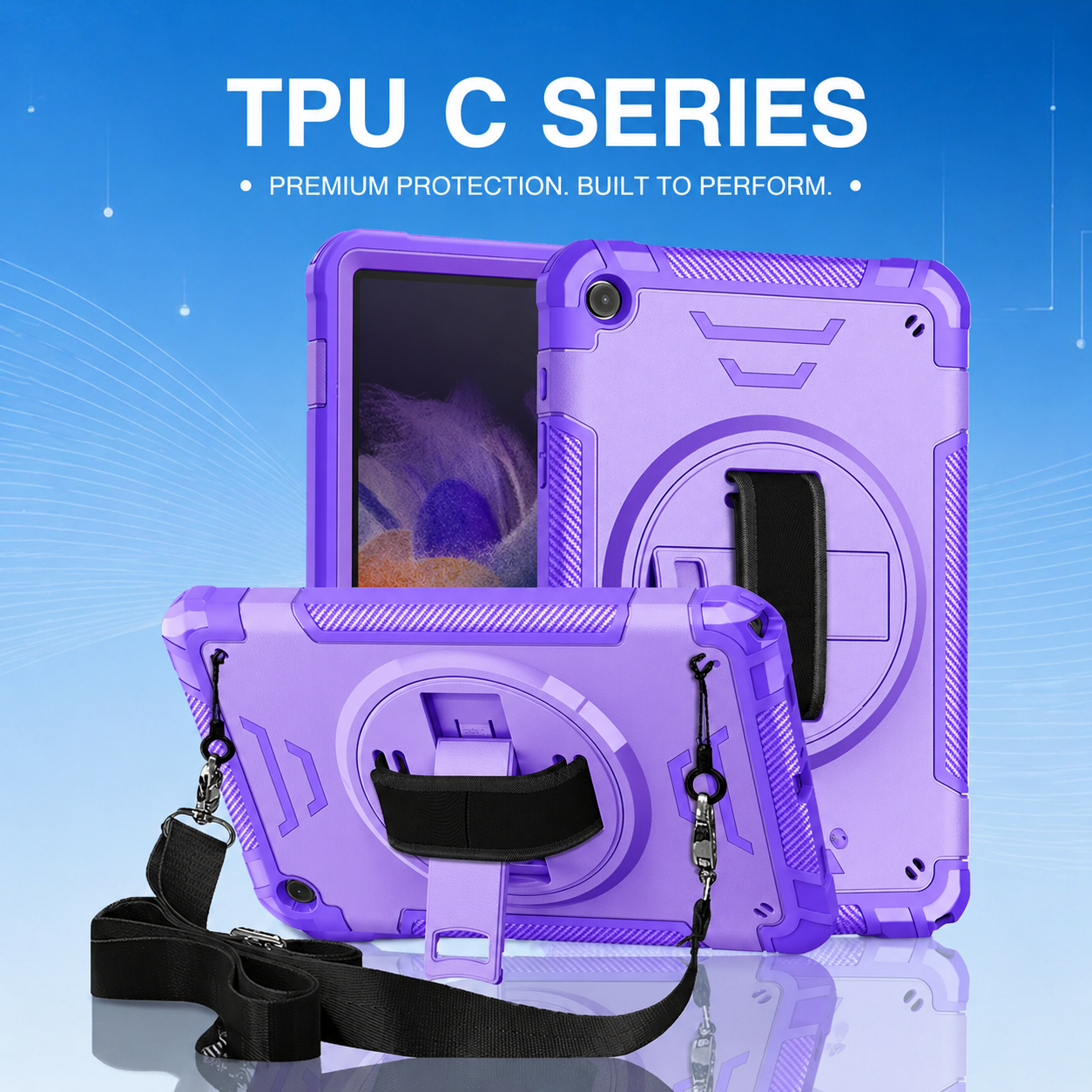
Rotating hand straps, shoulder straps, and adjustable kickstands help clinicians hold or position a tablet more securely. Better handling reduces the chance of dropping the device and can limit the need to place it on uncertain surfaces. A stable kickstand also supports hands-free video consultations, patient education, and bedside data review.
For mobile teams, the case should feel balanced rather than bulky. Staff may carry tablets for hours, so weight distribution, grip size, strap adjustability, and stand stability all influence adoption.
6. Case removal should not be a daily requirement
A healthcare case should remain securely installed during normal cleaning and charging. Frequent removal increases the chance of damaging clips, stretching silicone layers, or exposing the tablet during handling. A precise case allows users to clean external surfaces while keeping the device protected.
At the same time, the design should permit authorized maintenance when necessary. Durable assembly points, replaceable components, and clear installation instructions support longer case life and easier fleet management.
7. Standardization improves infection-control workflows
Using one approved case design across a tablet fleet helps staff follow consistent cleaning and handling procedures. It also makes it easier for procurement teams to order replacements, for IT teams to troubleshoot accessories, and for infection-control leaders to evaluate materials.
Healthcare organizations should document which disinfectants are approved, how often tablets are cleaned, where devices are stored, and which accessories are permitted. The protective case then becomes part of a complete device-management process rather than a separate purchase.
8. Evaluate suppliers beyond the sample
A single sample may perform well, but large healthcare deployments require consistent manufacturing. Buyers should review material specifications, fit tolerances, quality-control procedures, packaging, replacement-part availability, and customization options. OEM suppliers can provide branded colors, private-label packaging, specialized straps, or modified stands for a specific clinical workflow.
The right case helps healthcare teams maintain a cleaner, safer, and more reliable tablet fleet. By combining easy-to-wipe surfaces with impact-resistant construction, organizations can protect both their technology investment and the continuity of digital care.






.png)
+86 13422271740
.png)
info@tongmeitech.com
.png)
No. 34, Mashe Section, Guihe Road, Lishui Town, Foshan, Guangdong, China