- 1
- BLACKL
- TABLETAPPLE iPad Mini 8NEW iPad A16(2025) iPad 10.9" 10th (2022) iPad 10.2" (7th/8th/9th) iPad Air 13" (M2/M3/M4)(2024/2025/2026)NEW iPad Air 11" (M2/M3/M4)(2024/2025/2026)NEW iPad Mini 8.3" (A7 Pro/6th Gen) iPad Pro13"(M4/M5)(2024/2025) iPad Pro11"(M4/M5)(2026) iPad 9.7" (5th/6th Gen) iPad Pro 12.9"(2018-2022) iPad Pro 11"(2018-2022) iPad 9.7"(2th/3th/4th) iPad Air 10.9"(4th/5th Gen) iPad Mini 7.9"(4th/5th Gen)SAMSUNG Galaxy Tab A11 Galaxy Tab A11 Plus Galaxy Tab S11 Galaxy Tab S12 PlusNEW Galaxy Tab S12 UltraNEW Galaxy Tab A9+ Galaxy Tab A9 Galaxy Tab A8 Galaxy Tab A7 Galaxy Tab A7 Lite Galaxy Tab S11 Ultra/S10 Ultra/S9 Ultra/S8 Ultra Galaxy Tab S10+/S9+/S9 FE+ Galaxy Tab S10Lite/S10 FE/S9 FE/S9 Galaxy Tab S8+/S7+/S7 FE Galaxy Tab S8/S7 Galaxy Tab S6 lite Galaxy Tab A10.1 Galaxy Tab A8.4 Galaxy Tab A8.0 Galaxy Tab S10 FE+LENOVO iDea tab 11/Tab K11 Gen 2 /Xiaoxin Pad 11 2025 Lenovo Tab K9 (Tab One) 2025 Lenovo Tab M10 10.1"(2025) Lenovo Tab M10 Plus 10.6" (3rd Gen) Lenovo Tab M10 HD 10.1" (3rd Gen) Lenovo K10/M10 Plus 10.3" (2nd Gen) Lenovo Tab M10 HD 10.1" (2nd Gen)XIAOMI Redmi Pad 2 9.7 InchNEW Xiaomi Pad8/8Pro 11.2" Redmi Pad2/Pad2.4G Xiaomi Pad 6/6 Pro 11" Redmi Pad 10.61" Redmi Pad Se 11" Redmi pad Se 4G 8.7" Xiaomi Pad7/7 Pro 11.2" Redmi Pad Pro/Xiaomi Poco Pad/Redmi Pad2 Pro 12.1HUAWEI Huawei Matepad Se 10.4" Huawei Matepad 11" Huawei Matepad 11.5" Huawei Matepad SE 11" Huawei Matepad T8 8" Huawei Matepad T10 9.7"
- CATEGORIES






How Rugged Tablet Cases Improve Clinical Productivity and Patient Safety
Healthcare organizations are investing in mobile devices to bring information closer to the point of care. Nurses document at the bedside, physicians review images during rounds, therapists demonstrate exercises, and home-care teams update records in the field. The success of #EnterpriseMobility depends not only on software and connectivity but also on whether staff can carry and use each tablet safely throughout a demanding shift.
A rugged tablet case helps turn a fragile consumer device into a more practical clinical tool. Protection reduces damage, while ergonomic features support faster documentation, more stable viewing, and more confident handling.
1. Reliable devices reduce workflow interruptions
When a tablet is damaged, the impact extends beyond repair costs. The device may need to be removed from service, replaced, reconfigured, enrolled in mobile-device management, and returned to the correct department. During that time, staff may share equipment or return to slower manual processes.
Protective cases reduce the likelihood that routine accidents will interrupt care. Reinforced corners, shock-absorbing layers, raised bezels, and secure frames help protect tablets from drops during rounds, transfers, and fast-paced bedside work.
2. Better grip supports safer handling
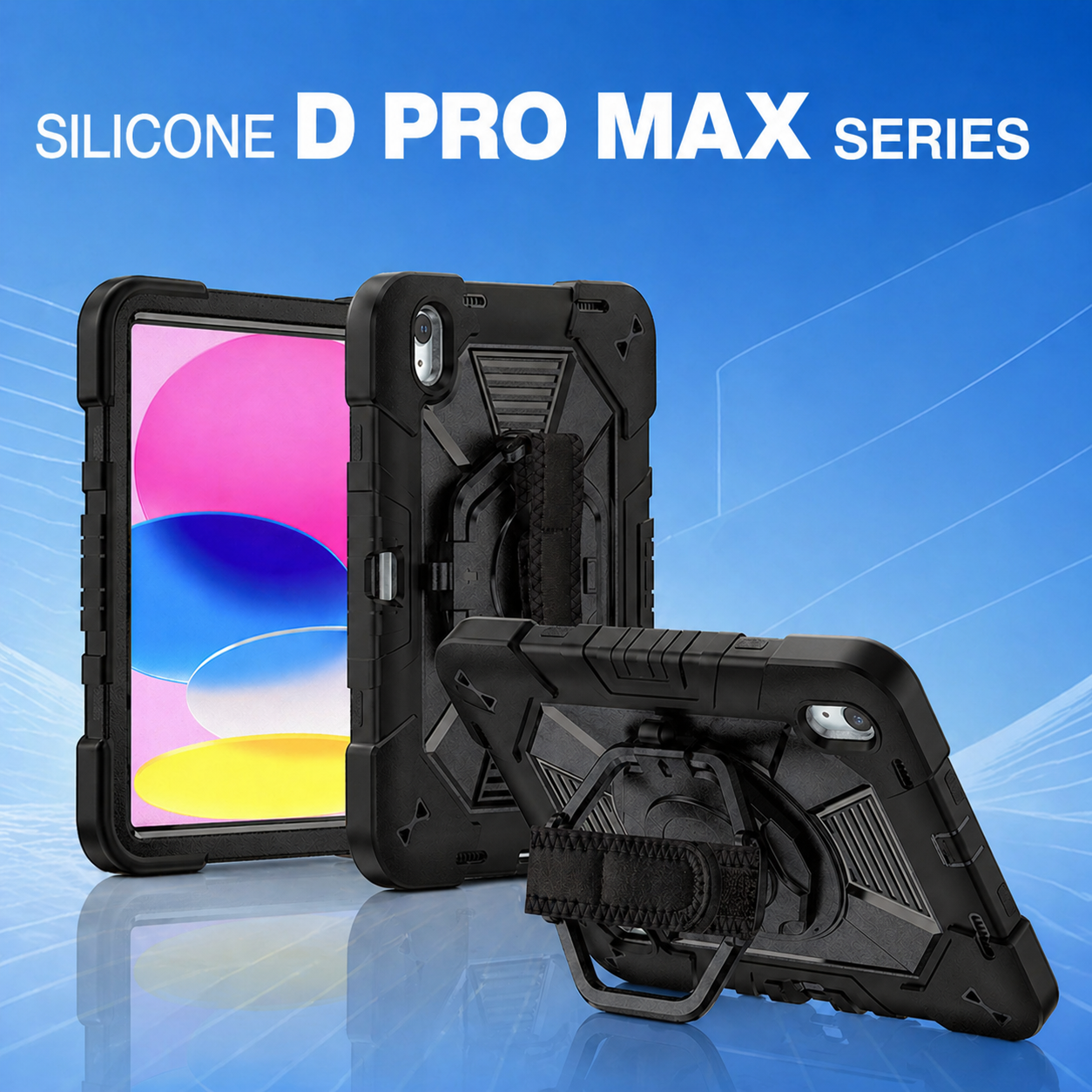
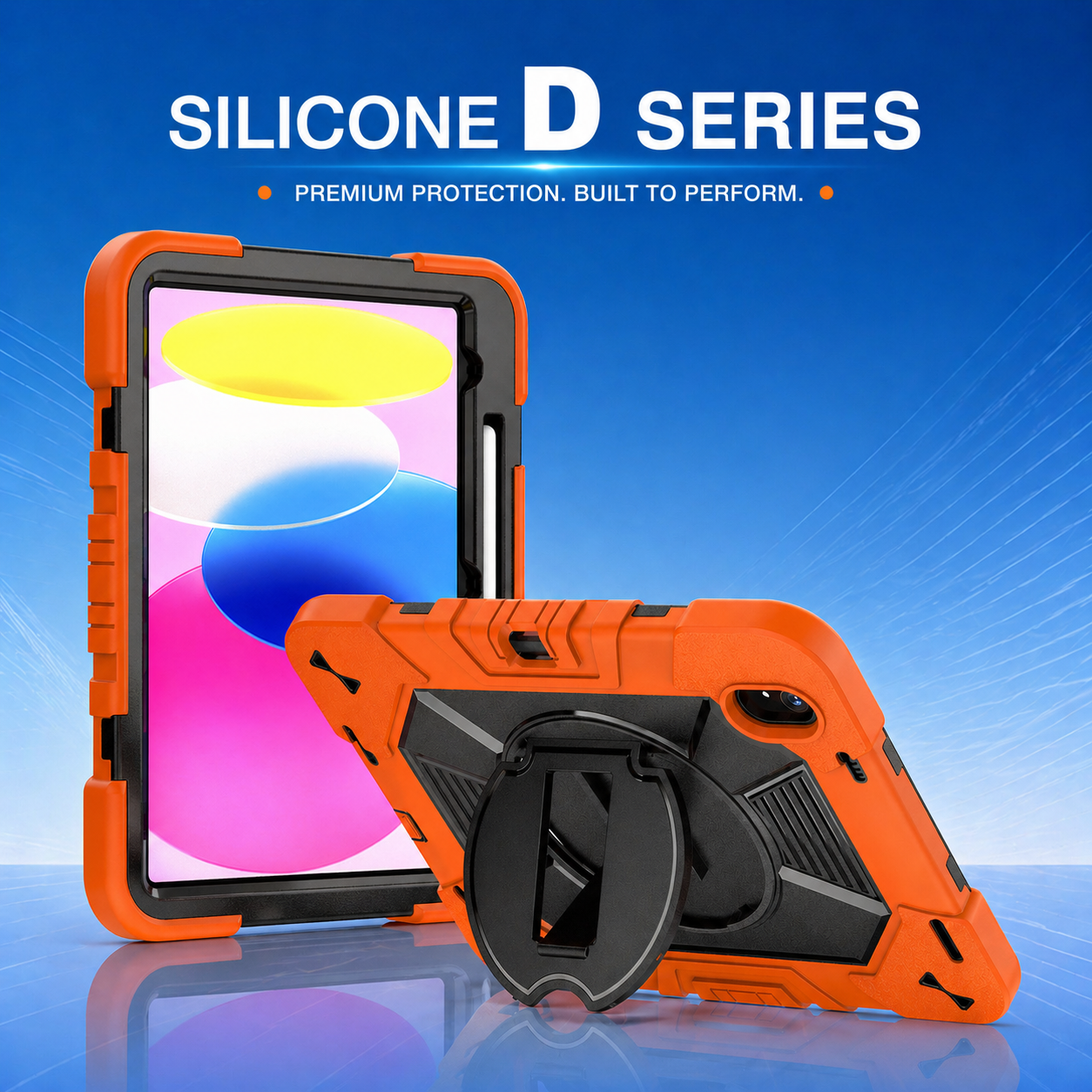
Clinicians may carry tablets while wearing gloves, pushing equipment, opening doors, or assisting patients. A smooth unprotected device can be difficult to hold securely. Textured grip zones, a rotating hand strap, or an adjustable shoulder strap can reduce the risk of accidental drops.
A rotating hand strap is particularly useful because it lets users shift between portrait and landscape orientation without releasing the device. It also allows the hand to relax while the case remains supported, which can reduce fatigue during long documentation sessions.
3. Stable viewing improves bedside communication
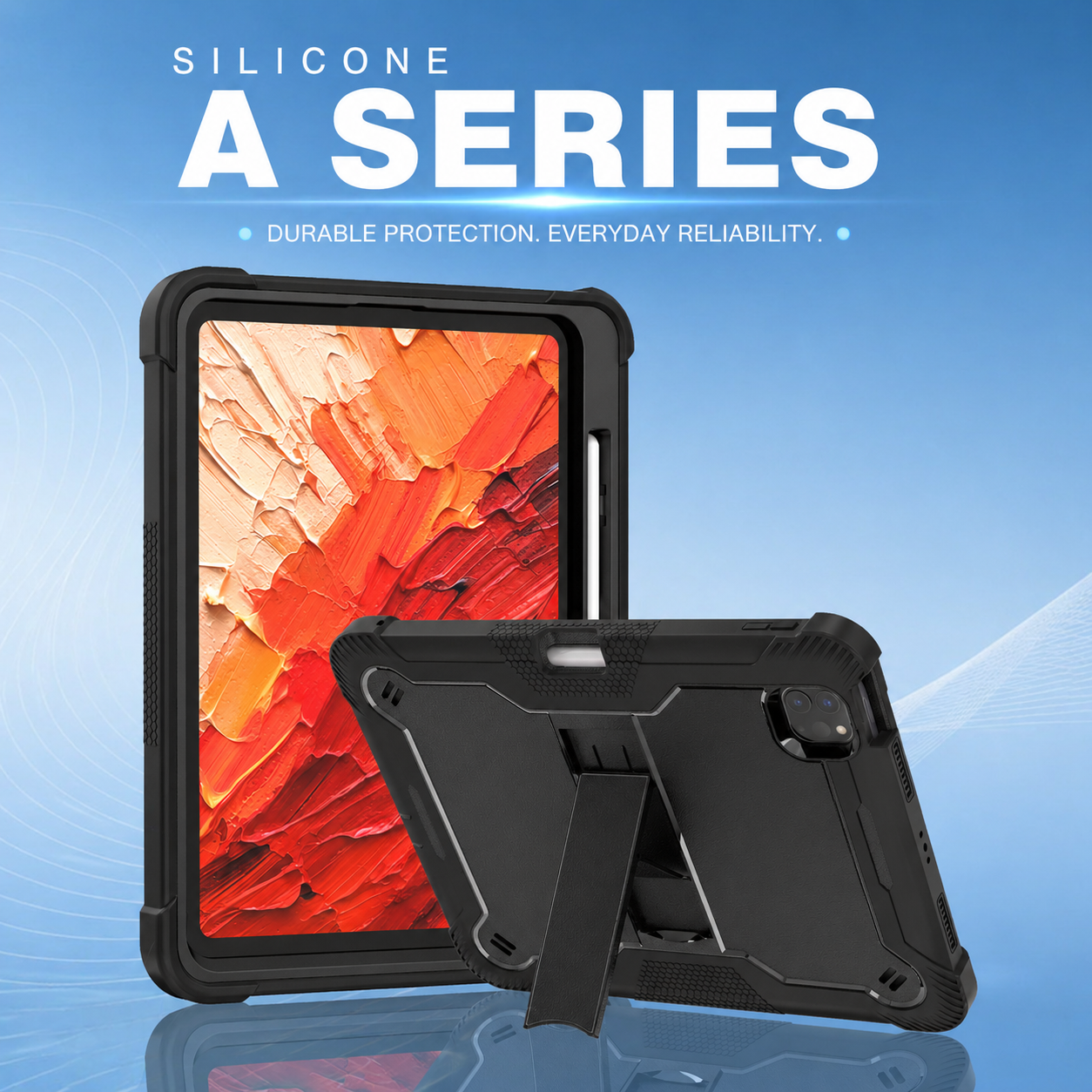
Tablets are frequently used to explain treatment plans, review test results, display educational videos, or conduct virtual consultations. Holding the screen by hand may create glare, unstable viewing angles, or unnecessary strain. A multi angle kickstand tablet case enables staff to position the display for the patient, clinician, or remote participant.
Multiple viewing positions are valuable because different tasks require different angles. A low angle may support typing, while a higher angle may be better for video calls or patient education. The stand should lock securely so the tablet does not collapse when the screen is touched.
4. Mobility features support diverse care settings
Hospital wards are only one part of healthcare mobility. Tablets are also used in ambulances, rehabilitation centers, pharmacies, laboratories, care homes, community clinics, and patient residences. Each environment creates different demands.
Home-care teams may need a shoulder strap for walking between locations. Rehabilitation staff may need a stable stand for exercise demonstrations. Pharmacy teams may prioritize barcode-scanner access. Laboratory users may need a secure grip that can be cleaned frequently. A modular case can support these different needs without changing the tablet platform.
5. Fast access matters during clinical work
Protection should never make essential controls difficult to use. Buttons, cameras, microphones, speakers, charging ports, stylus holders, and biometric sensors must remain accessible. Poorly aligned openings can slow staff down or lead them to remove the case, defeating its purpose.
Healthcare buyers should test the case with gloves, charging cables, docking stations, screen protectors, and any clinical accessories used in daily work. A good fit supports both protection and speed.
6. Ergonomics can influence technology adoption
Staff are more likely to use mobile technology consistently when it is comfortable and convenient. An overly bulky case may be left behind, while an unstable stand may frustrate users. The best design balances impact resistance, manageable weight, secure grip, and practical positioning.
Before a large rollout, organizations can conduct a short pilot with representatives from nursing, medical, IT, infection control, and procurement teams. Their feedback can reveal issues with strap size, stand angles, charging access, cleaning, or overall balance.
7. Standardized accessories simplify support
Using a consistent protective case across a device fleet can make training and support easier. Staff learn one hand-strap mechanism, one stand design, and one cleaning process. IT teams can stock compatible spare parts, while procurement teams can manage fewer product variations.
Standardization also makes it easier to evaluate damage rates and calculate return on investment. Organizations can compare repair frequency before and after deployment to determine whether protective accessories are reducing downtime.
8. Protection supports patient safety indirectly
A tablet case is not a medical device, but reliable access to digital tools can support safer workflows. When tablets remain functional, clinicians can access current records, verify orders, review care plans, and communicate with colleagues without unnecessary delay.
Stable hands-free positioning may also support better patient interaction. Instead of focusing on holding the device, a clinician can maintain eye contact, explain information clearly, and share the screen when appropriate.
9. Choose features based on real tasks
The strongest case is not automatically the best case for every department. Buyers should map how the tablet is carried, where it is placed, how often it is cleaned, what accessories are attached, and what type of damage is most likely. These answers help determine whether the priority is maximum drop protection, lighter weight, a rotating strap, shoulder carrying, a kickstand, or mounting compatibility.
Healthcare mobility works best when hardware, software, and accessories are designed as one system. A carefully selected protective case improves device availability, supports staff comfort, and helps clinical teams use mobile technology more confidently throughout the day.






.png)
+86 13422271740
.png)
info@tongmeitech.com
.png)
No. 34, Mashe Section, Guihe Road, Lishui Town, Foshan, Guangdong, China