- 1
- BLACKL
- TABLETAPPLE iPad Mini 8NEW iPad A16(2025) iPad 10.9" 10th (2022) iPad 10.2" (7th/8th/9th) iPad Air 13" (M2/M3/M4)(2024/2025/2026)NEW iPad Air 11" (M2/M3/M4)(2024/2025/2026)NEW iPad Mini 8.3" (A7 Pro/6th Gen) iPad Pro13"(M4/M5)(2024/2025) iPad Pro11"(M4/M5)(2026) iPad 9.7" (5th/6th Gen) iPad Pro 12.9"(2018-2022) iPad Pro 11"(2018-2022) iPad 9.7"(2th/3th/4th) iPad Air 10.9"(4th/5th Gen) iPad Mini 7.9"(4th/5th Gen)SAMSUNG Galaxy Tab A11 Galaxy Tab A11 Plus Galaxy Tab S11 Galaxy Tab S12 PlusNEW Galaxy Tab S12 UltraNEW Galaxy Tab A9+ Galaxy Tab A9 Galaxy Tab A8 Galaxy Tab A7 Galaxy Tab A7 Lite Galaxy Tab S11 Ultra/S10 Ultra/S9 Ultra/S8 Ultra Galaxy Tab S10+/S9+/S9 FE+ Galaxy Tab S10Lite/S10 FE/S9 FE/S9 Galaxy Tab S8+/S7+/S7 FE Galaxy Tab S8/S7 Galaxy Tab S6 lite Galaxy Tab A10.1 Galaxy Tab A8.4 Galaxy Tab A8.0 Galaxy Tab S10 FE+LENOVO iDea tab 11/Tab K11 Gen 2 /Xiaoxin Pad 11 2025 Lenovo Tab K9 (Tab One) 2025 Lenovo Tab M10 10.1"(2025) Lenovo Tab M10 Plus 10.6" (3rd Gen) Lenovo Tab M10 HD 10.1" (3rd Gen) Lenovo K10/M10 Plus 10.3" (2nd Gen) Lenovo Tab M10 HD 10.1" (2nd Gen)XIAOMI Redmi Pad 2 9.7 InchNEW Xiaomi Pad8/8Pro 11.2" Redmi Pad2/Pad2.4G Xiaomi Pad 6/6 Pro 11" Redmi Pad 10.61" Redmi Pad Se 11" Redmi pad Se 4G 8.7" Xiaomi Pad7/7 Pro 11.2" Redmi Pad Pro/Xiaomi Poco Pad/Redmi Pad2 Pro 12.1HUAWEI Huawei Matepad Se 10.4" Huawei Matepad 11" Huawei Matepad 11.5" Huawei Matepad SE 11" Huawei Matepad T8 8" Huawei Matepad T10 9.7"
- CATEGORIES
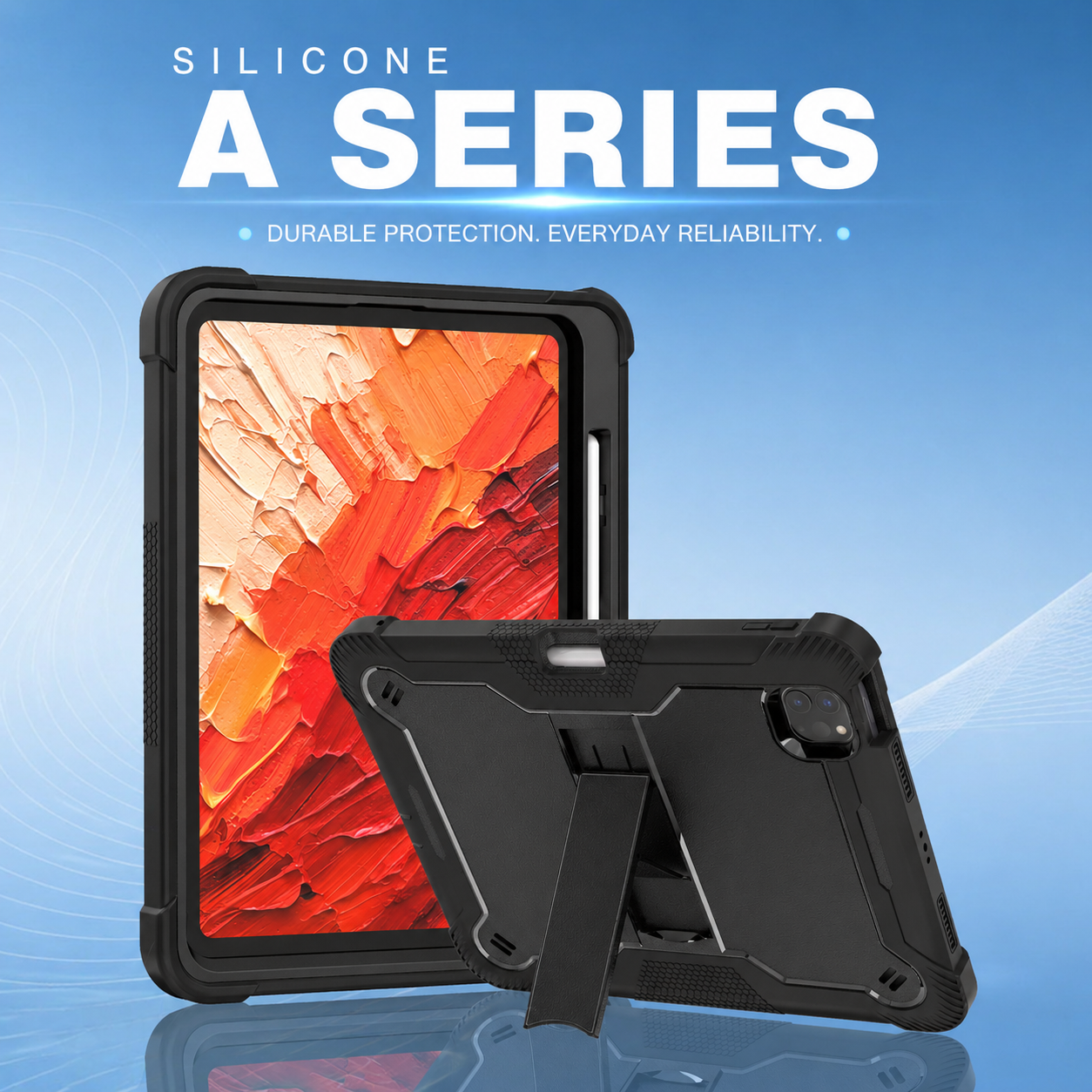
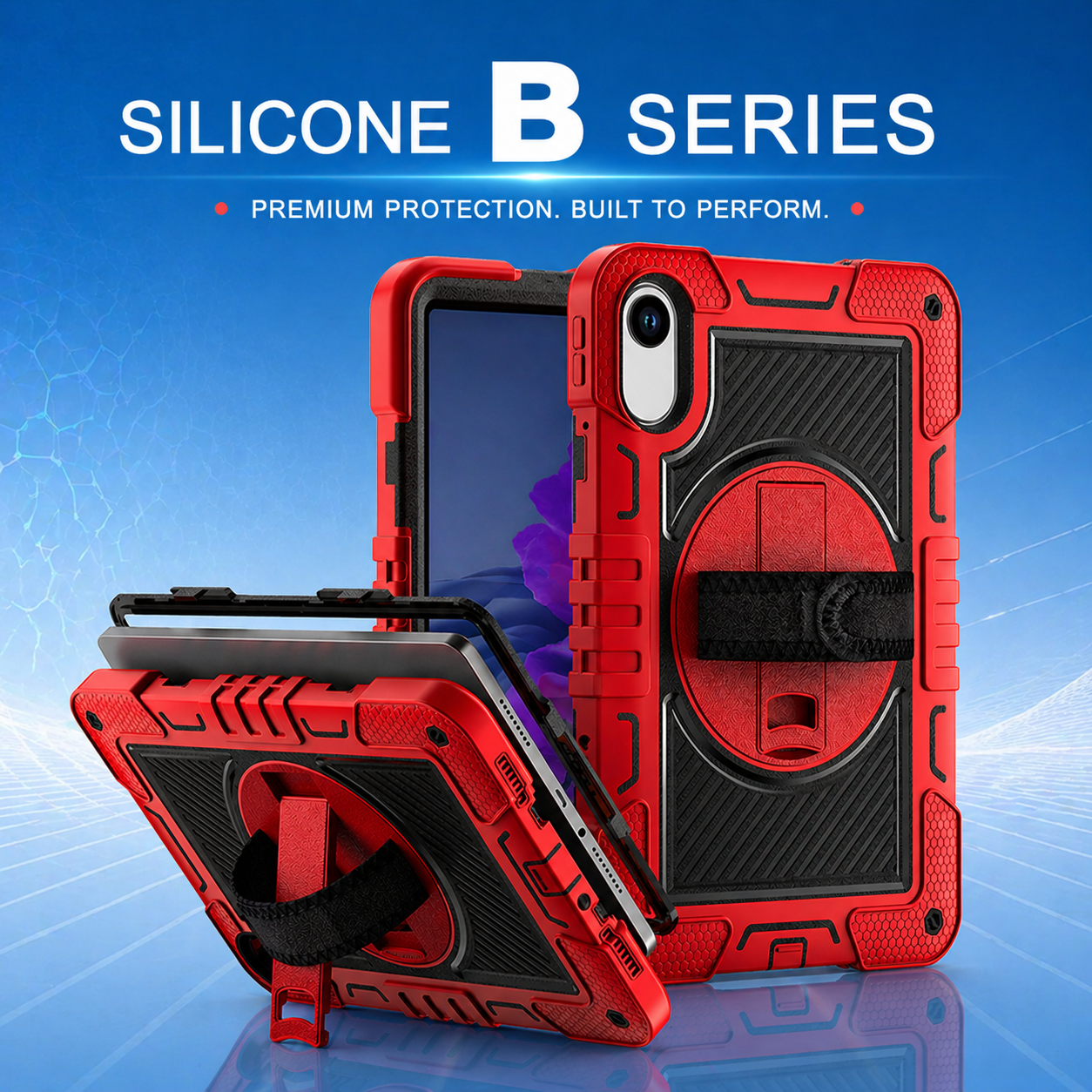
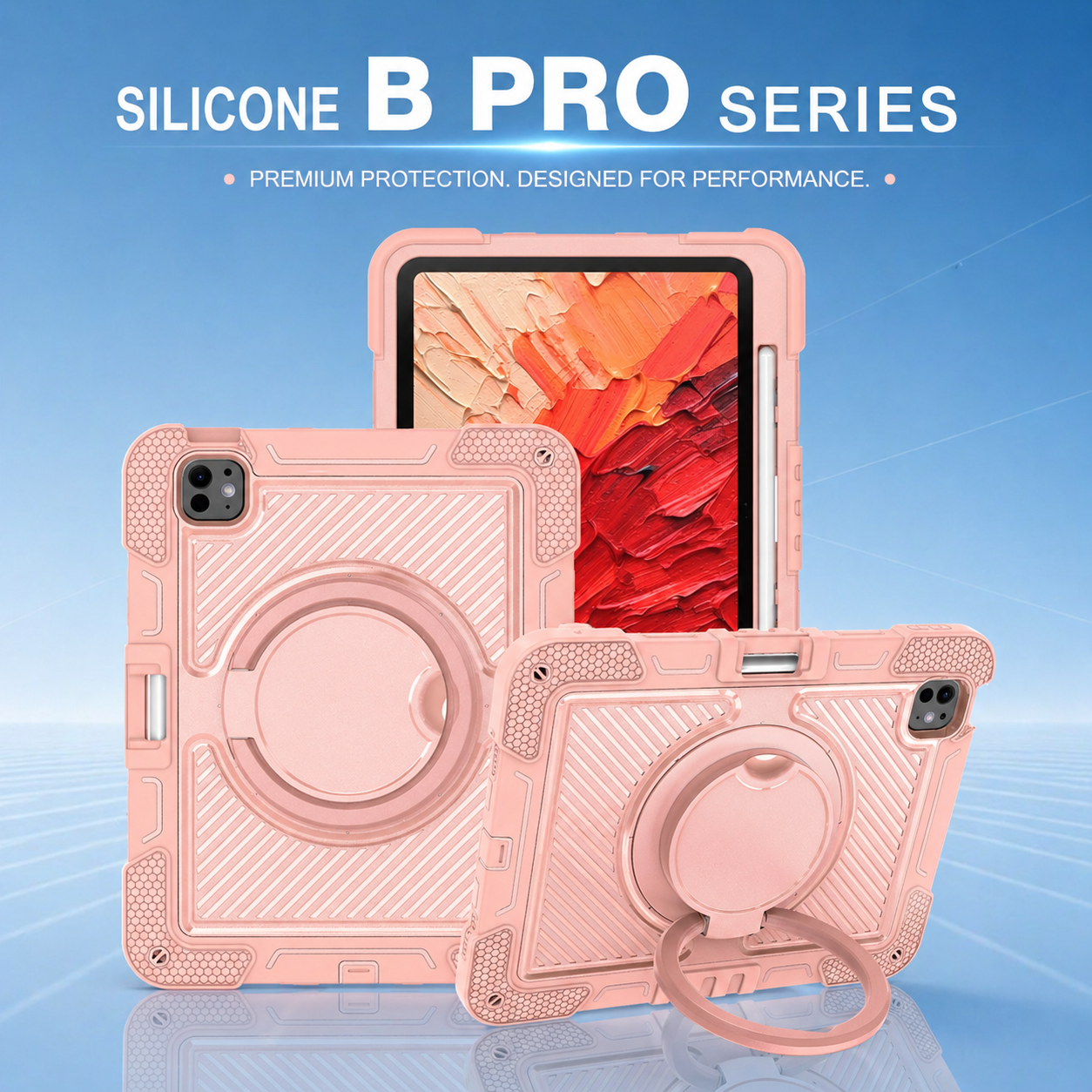
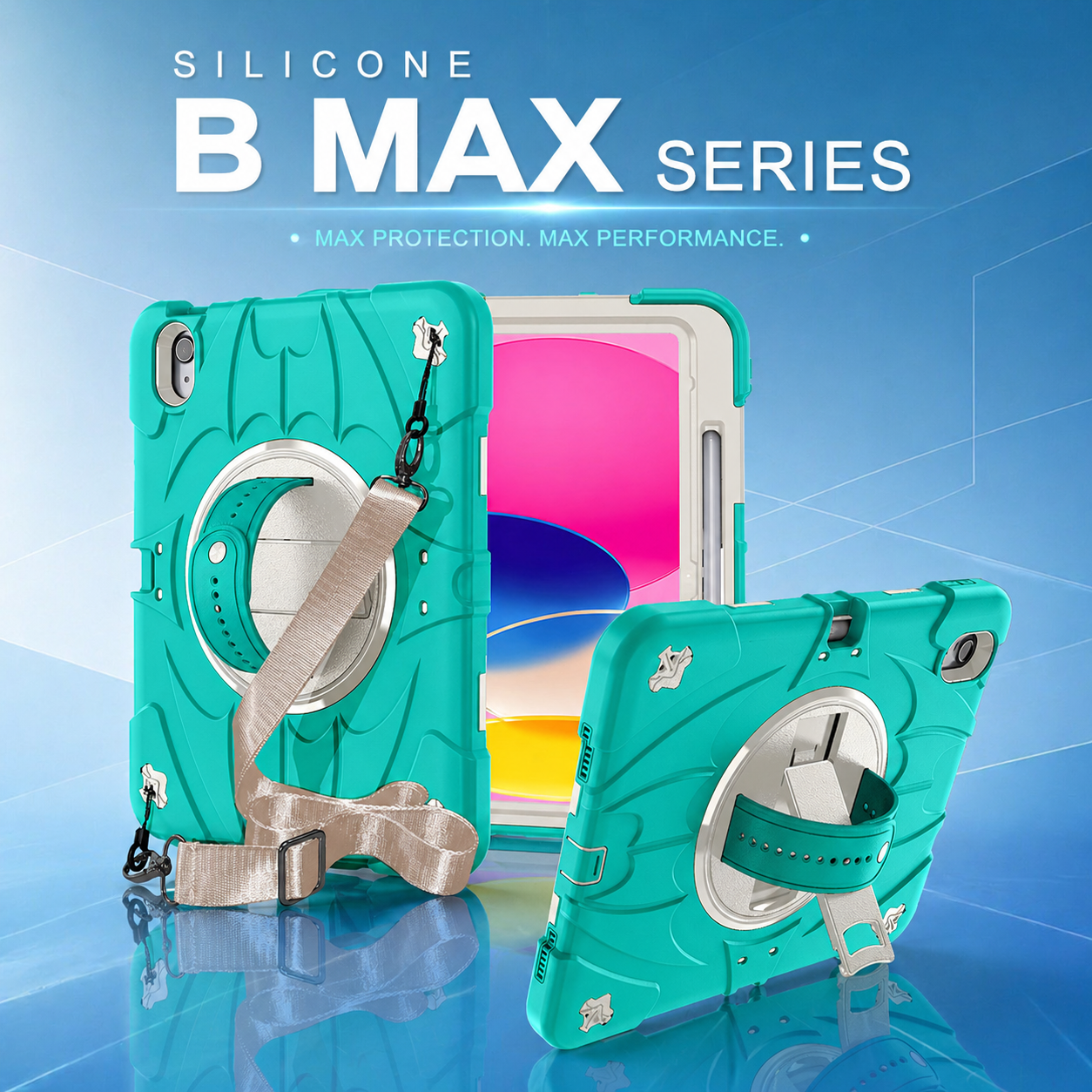
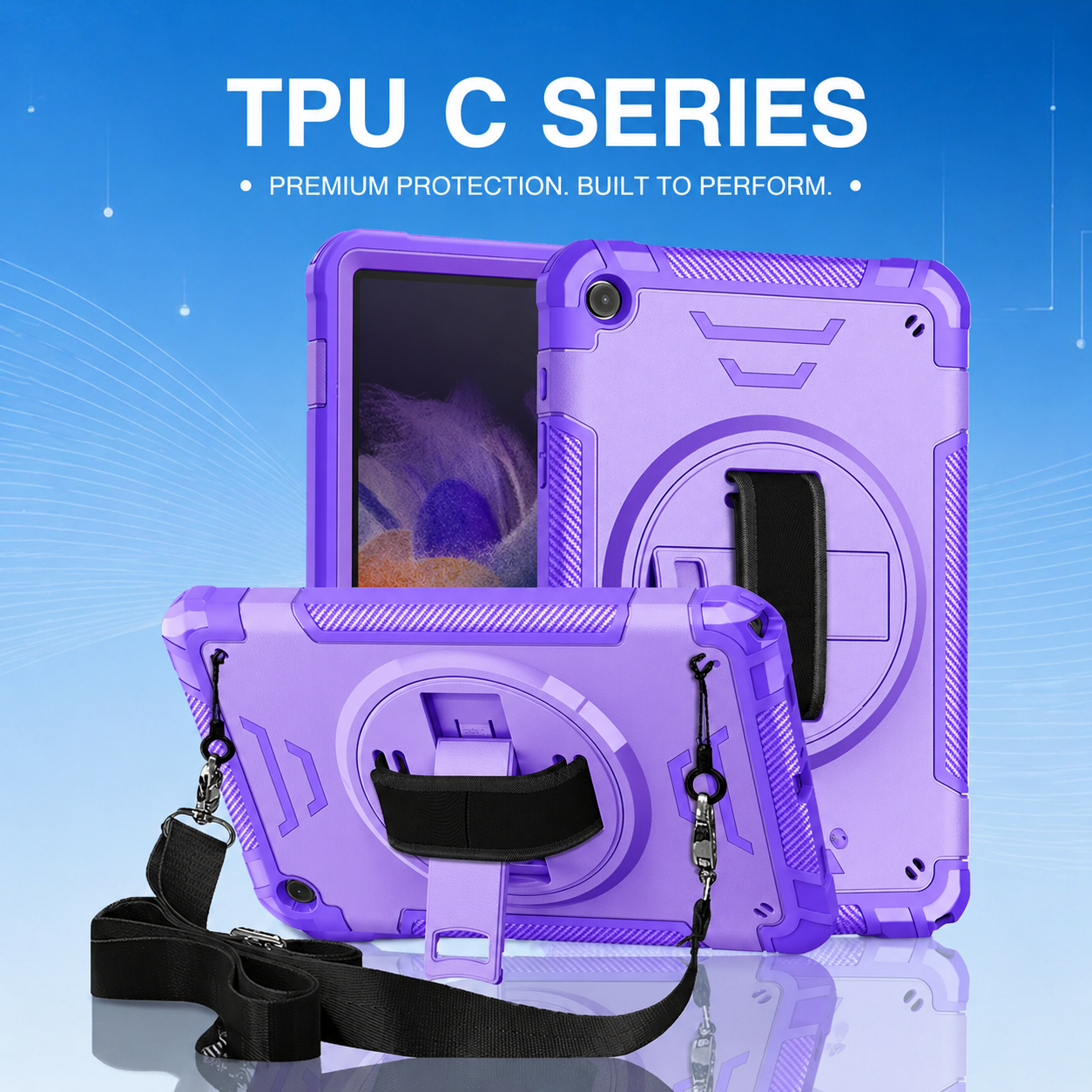
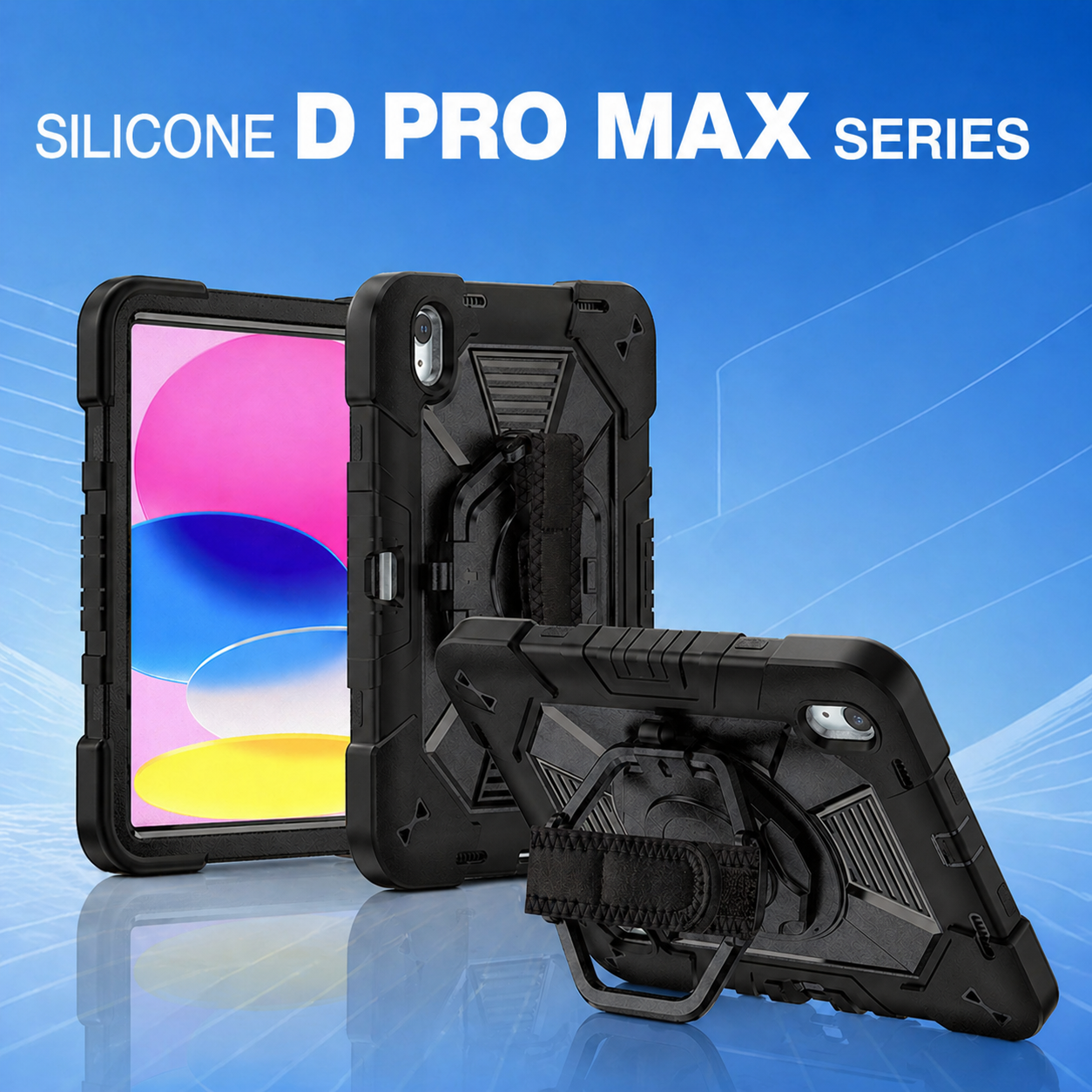
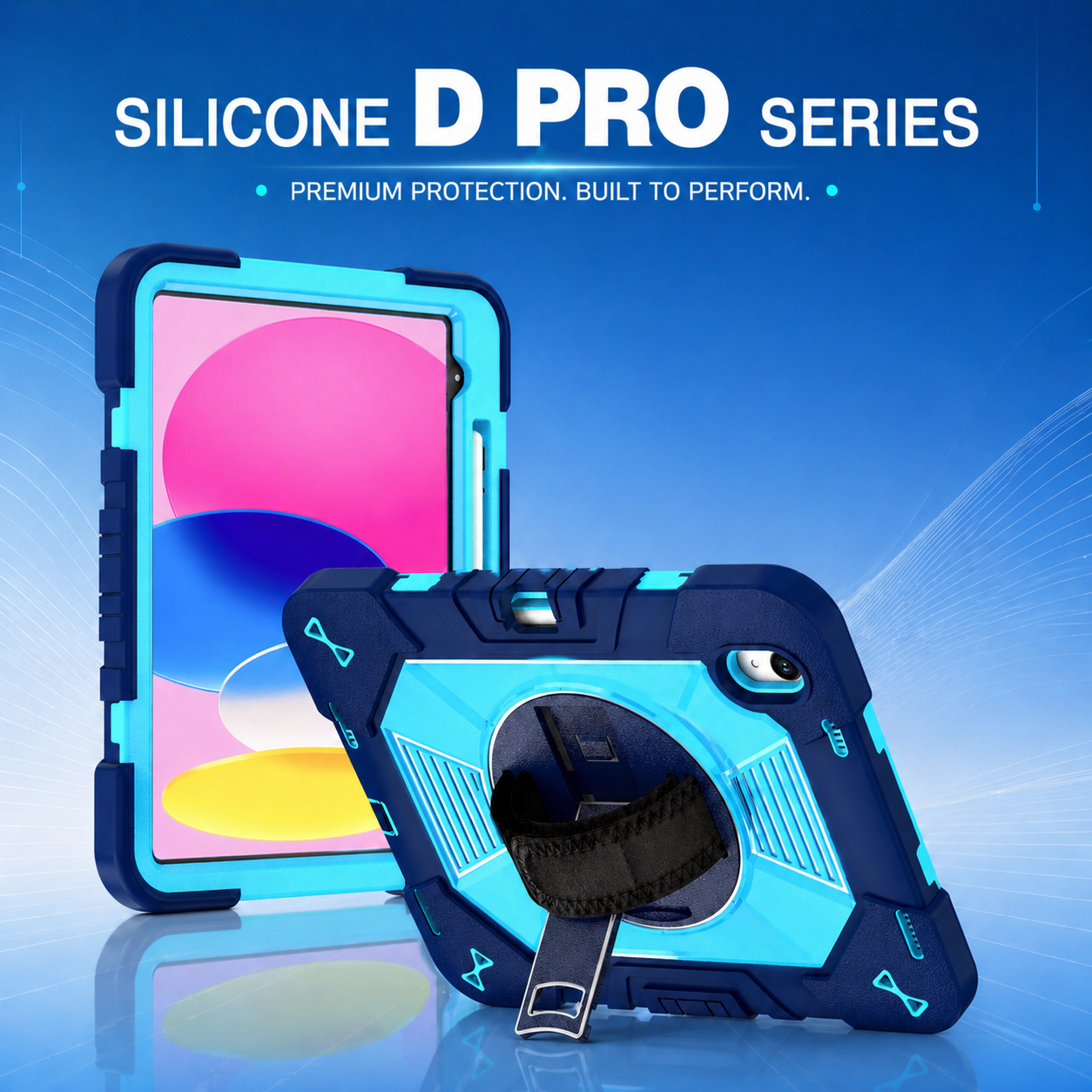
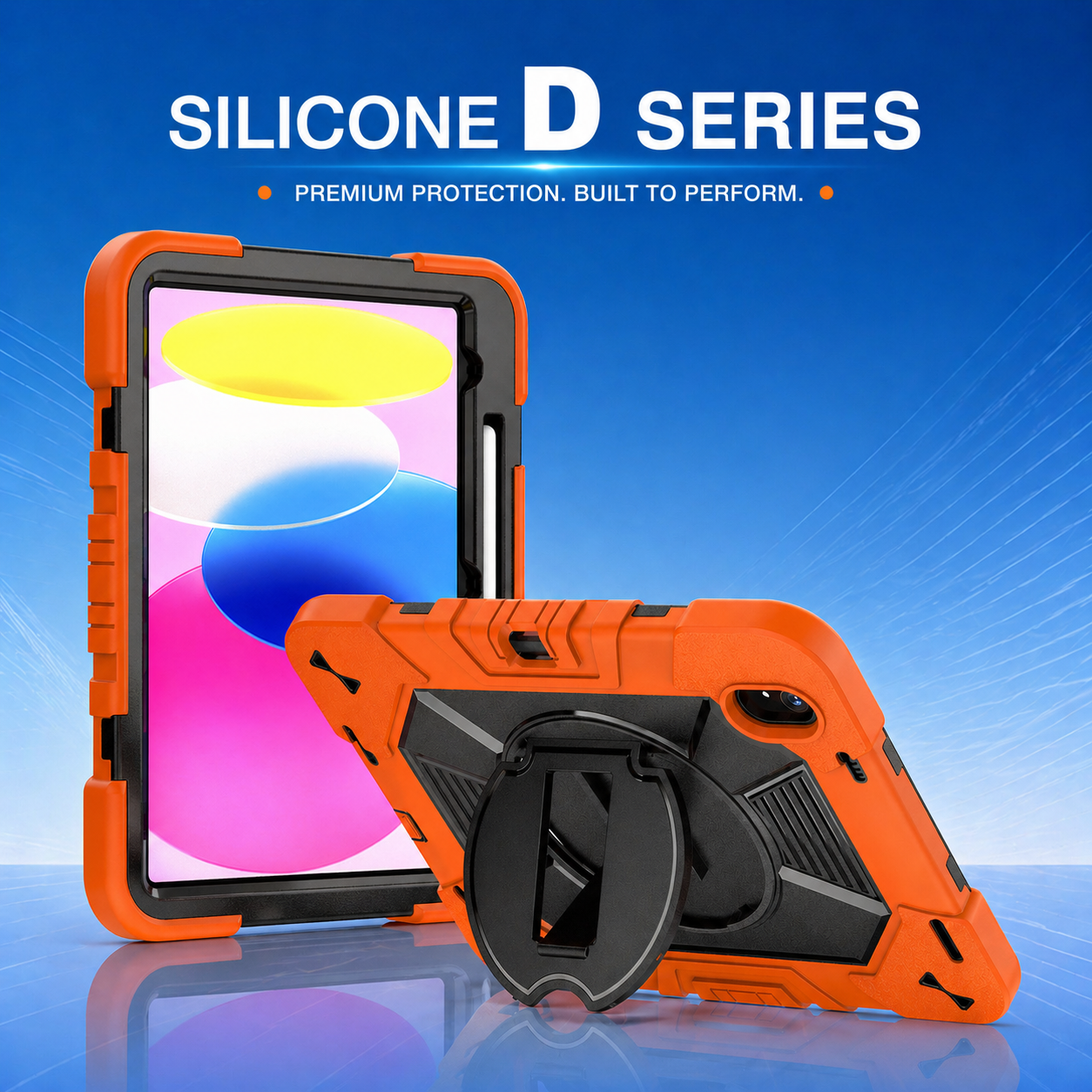

Field Workforce Productivity with Rugged Tablet Protection
Field teams are expected to complete more work with fewer delays, even when their environment is unpredictable. Technicians, inspectors, warehouse operators, utility crews, healthcare staff, and logistics teams now depend on tablets for work orders, digital forms, route guidance, asset records, video support, and customer signatures. The tablet has become a mobile workstation, but its value disappears when a drop, vibration, dust exposure, or unstable mounting position interrupts the job. A well-designed rugged tablet case protects more than hardware; it protects workflow continuity, data access, and employee confidence.
Why Device Protection Directly Affects Output
Productivity is usually measured through completed tasks, response time, first-time fix rate, and labor utilization. Device damage influences every one of these metrics. A cracked screen can stop a technician from closing a ticket. A loose tablet can slow barcode scanning. A broken stand can force an operator to hold the device while entering information. Even minor damage creates support tickets, replacement requests, and avoidable travel. By contrast, reliable protection keeps the device available at the moment of work, which is essential for mobile teams that cannot simply return to a desk.
The best protection strategy starts with the actual field risk profile. Construction crews may need drop resistance and dust control. Warehouse users may need secure hand straps and compatibility with scanning routines. Healthcare teams may prioritize cleanable surfaces and lightweight handling. Utility workers may need glove-friendly controls, stable kickstands, and shoulder-carry options. A heavy duty rugged Case is most effective when its structure, materials, and ergonomics are matched to the work process rather than selected only by appearance.
Design Features That Support Faster Work
Protection should never make the tablet harder to use. A productive design balances impact resistance with direct access to cameras, ports, speakers, charging contacts, and buttons. Raised bezels help protect the display without interfering with gestures. Reinforced corners absorb the energy of common drops. A rigid internal shell controls twisting, while an elastic outer layer reduces shock. Port covers can limit contamination, but they must open easily enough for frequent charging or peripheral use.
Ergonomic accessories can be just as important as impact performance. A rotating hand strap helps employees shift between portrait and landscape views without putting the tablet down. A multi-angle stand supports data entry, video calls, training, and equipment diagnostics. Shoulder straps free both hands while walking or climbing. Vehicle or cart mounting compatibility improves visibility and reduces the time spent repositioning the device. These details remove small moments of friction that accumulate across hundreds of daily interactions.
Reducing Downtime and Total Cost of Ownership
Procurement teams often compare cases by unit price, but field operations should compare them by avoided downtime. The true cost of an unprotected tablet includes replacement hardware, IT labor, lost productivity, delayed service, missing data, customer dissatisfaction, and expedited shipping. A full body protective tablet case can extend the useful life of a device and reduce the number of emergency replacements kept in inventory. It can also support standardized deployment by giving every employee the same grip, stand, carrying method, and protective structure.
Standardization is especially valuable for enterprise mobility programs. When one approved protection platform is used across a fleet, training becomes simpler, spare parts are easier to manage, and support teams can diagnose issues more quickly. OEM and ODM programs can further improve consistency by adapting the case to a specific tablet model, logo requirement, color system, barcode label, strap type, packaging standard, or mounting interface. This turns the accessory into an operational tool rather than a generic add-on.
How to Evaluate a Rugged Protection Partner
A strong supplier should be able to explain material choices, tooling capability, drop-test methods, fit tolerances, and quality-control checkpoints. Buyers should request samples and test them in real workflows, not only in a conference room. Employees should wear gloves, scan items, enter forms, rotate the screen, connect chargers, clean the surface, and carry the device during normal movement. Feedback from actual users often reveals whether a case improves work or merely survives impact.
Manufacturing capability also matters. Reliable partners should support prototype review, mold development, pilot production, packaging customization, inspection standards, and repeatable mass production. Clear communication about lead time, minimum order quantity, engineering changes, and replacement parts helps enterprise buyers reduce supply risk. For deployments across multiple sites, consistent production and documented specifications are essential.
Turning Protection into a Productivity System
Rugged protection delivers the greatest value when it is integrated with the broader mobile-workforce plan. Device selection, case design, mounting, charging, software workflow, cleaning procedures, and replacement policy should be considered together. The goal is not simply to prevent breakage. The goal is to keep employees connected, reduce interruptions, improve data quality, and help every shift complete more work with less frustration.
For organizations planning a new tablet rollout, the next step is to define the most demanding use conditions and translate them into design requirements. From there, a supplier can recommend materials, structural layers, carrying accessories, and customization options. The most important starting point is choosing a heavy-duty protection architecture for mobile teams that supports both device safety and daily usability.





.png)
+86 13422271740
.png)
info@tongmeitech.com
.png)
No. 34, Mashe Section, Guihe Road, Lishui Town, Foshan, Guangdong, China