- 1
- BLACKL
- TABLETAPPLE iPad Mini 8NEW iPad A16(2025) iPad 10.9" 10th (2022) iPad 10.2" (7th/8th/9th) iPad Air 13" (M2/M3/M4)(2024/2025/2026)NEW iPad Air 11" (M2/M3/M4)(2024/2025/2026)NEW iPad Mini 8.3" (A7 Pro/6th Gen) iPad Pro13"(M4/M5)(2024/2025) iPad Pro11"(M4/M5)(2026) iPad 9.7" (5th/6th Gen) iPad Pro 12.9"(2018-2022) iPad Pro 11"(2018-2022) iPad 9.7"(2th/3th/4th) iPad Air 10.9"(4th/5th Gen) iPad Mini 7.9"(4th/5th Gen)SAMSUNG Galaxy Tab A11 Galaxy Tab A11 Plus Galaxy Tab S11 Galaxy Tab S12 PlusNEW Galaxy Tab S12 UltraNEW Galaxy Tab A9+ Galaxy Tab A9 Galaxy Tab A8 Galaxy Tab A7 Galaxy Tab A7 Lite Galaxy Tab S11 Ultra/S10 Ultra/S9 Ultra/S8 Ultra Galaxy Tab S10+/S9+/S9 FE+ Galaxy Tab S10Lite/S10 FE/S9 FE/S9 Galaxy Tab S8+/S7+/S7 FE Galaxy Tab S8/S7 Galaxy Tab S6 lite Galaxy Tab A10.1 Galaxy Tab A8.4 Galaxy Tab A8.0 Galaxy Tab S10 FE+LENOVO iDea tab 11/Tab K11 Gen 2 /Xiaoxin Pad 11 2025 Lenovo Tab K9 (Tab One) 2025 Lenovo Tab M10 10.1"(2025) Lenovo Tab M10 Plus 10.6" (3rd Gen) Lenovo Tab M10 HD 10.1" (3rd Gen) Lenovo K10/M10 Plus 10.3" (2nd Gen) Lenovo Tab M10 HD 10.1" (2nd Gen)XIAOMI Redmi Pad 2 9.7 InchNEW Xiaomi Pad8/8Pro 11.2" Redmi Pad2/Pad2.4G Xiaomi Pad 6/6 Pro 11" Redmi Pad 10.61" Redmi Pad Se 11" Redmi pad Se 4G 8.7" Xiaomi Pad7/7 Pro 11.2" Redmi Pad Pro/Xiaomi Poco Pad/Redmi Pad2 Pro 12.1HUAWEI Huawei Matepad Se 10.4" Huawei Matepad 11" Huawei Matepad 11.5" Huawei Matepad SE 11" Huawei Matepad T8 8" Huawei Matepad T10 9.7"
- CATEGORIES
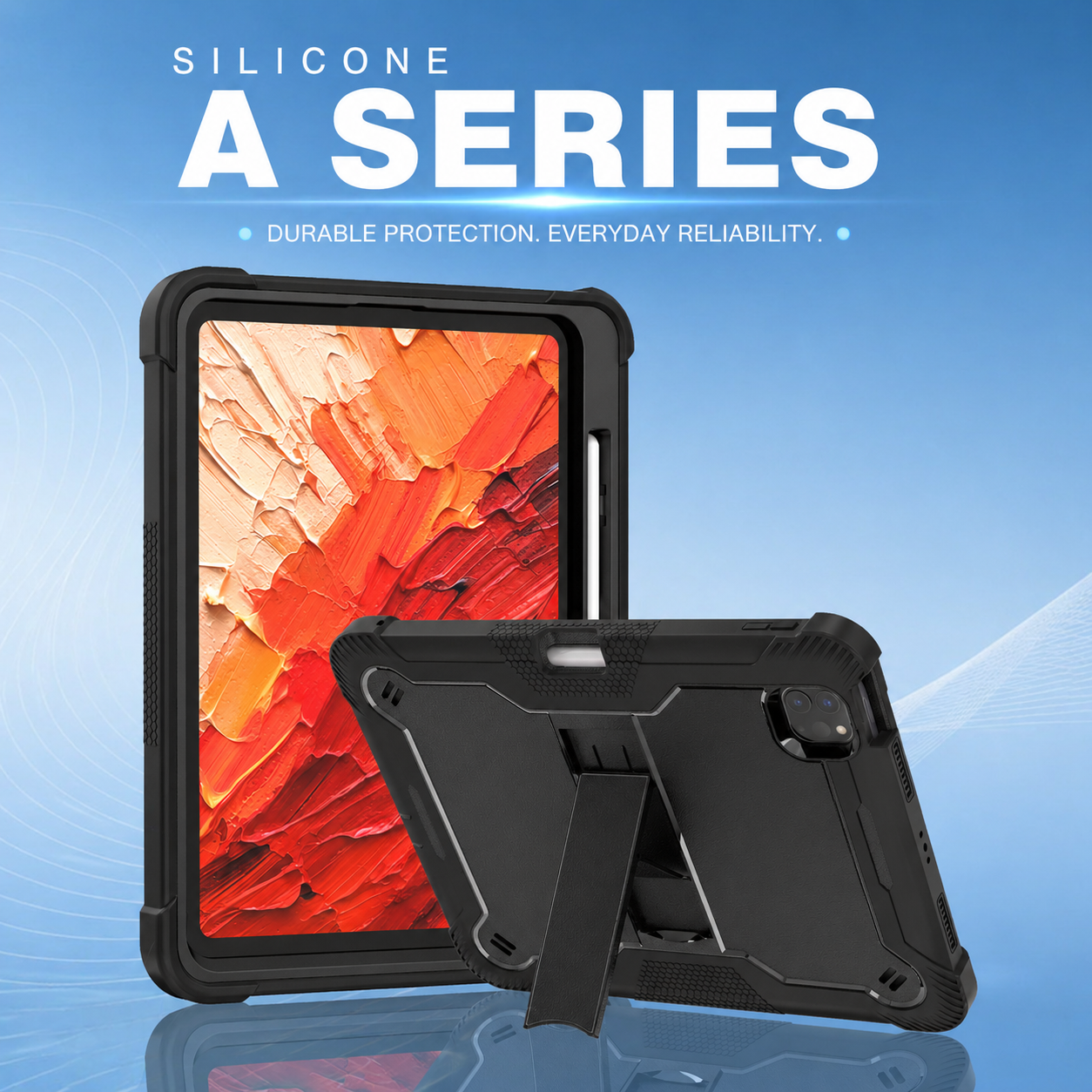
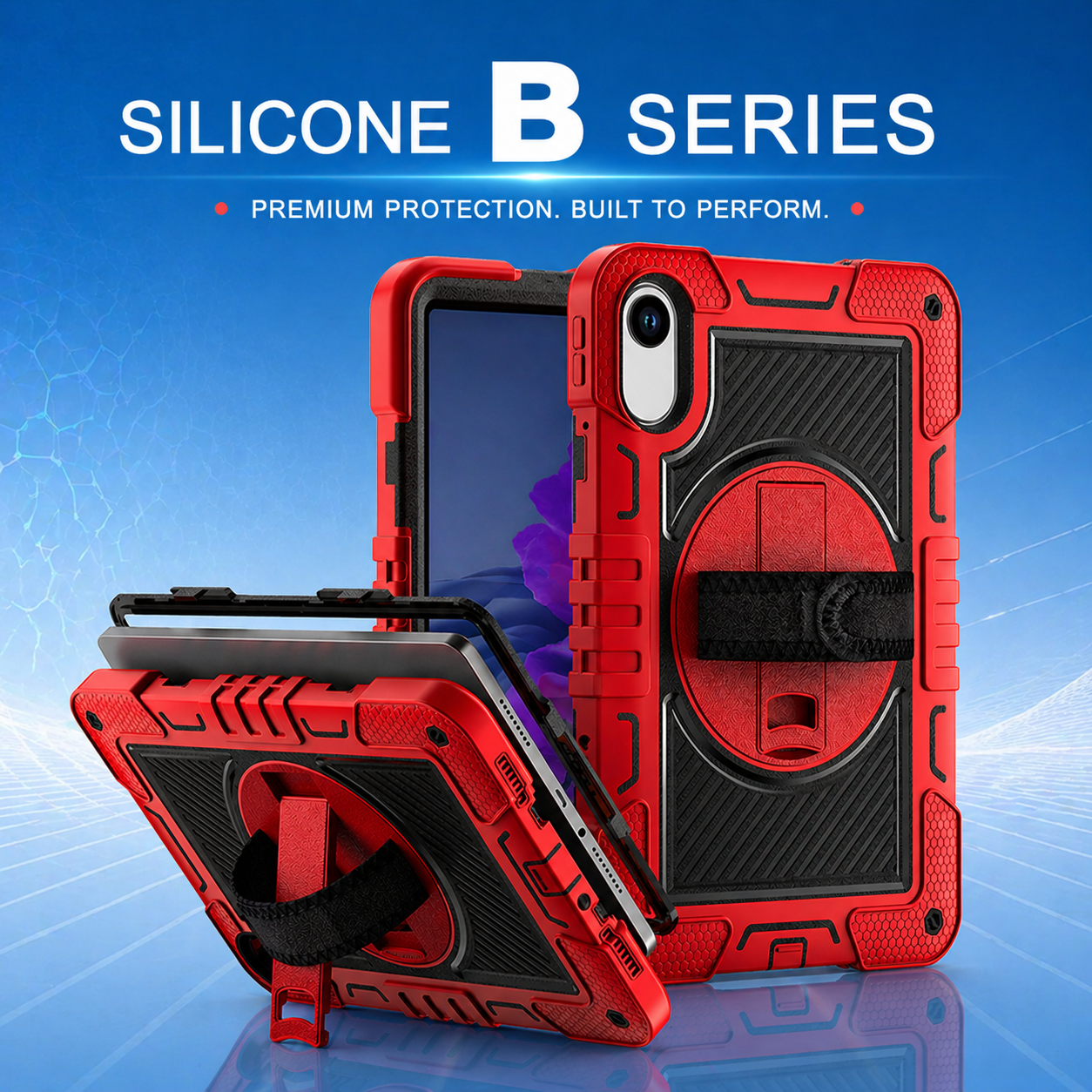
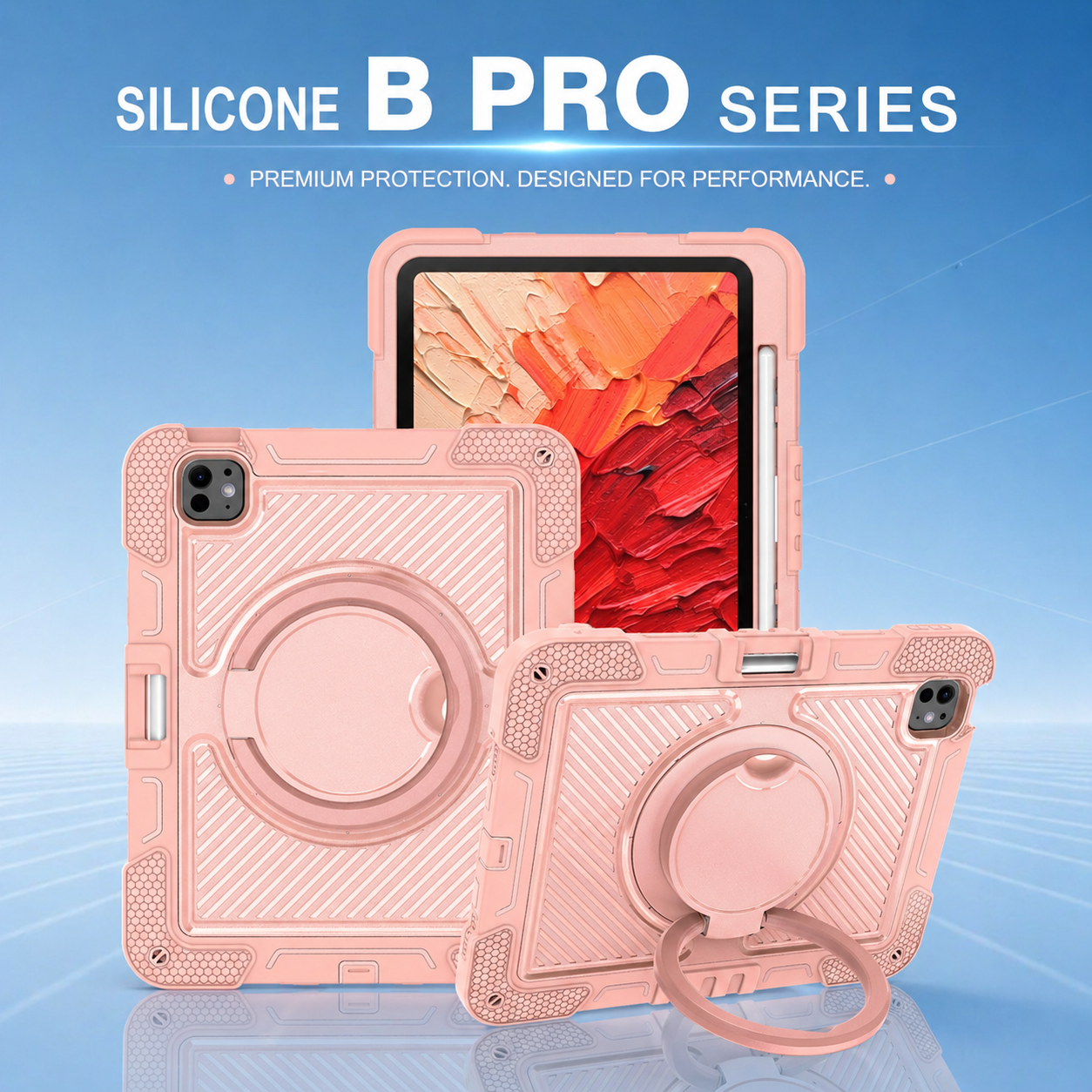

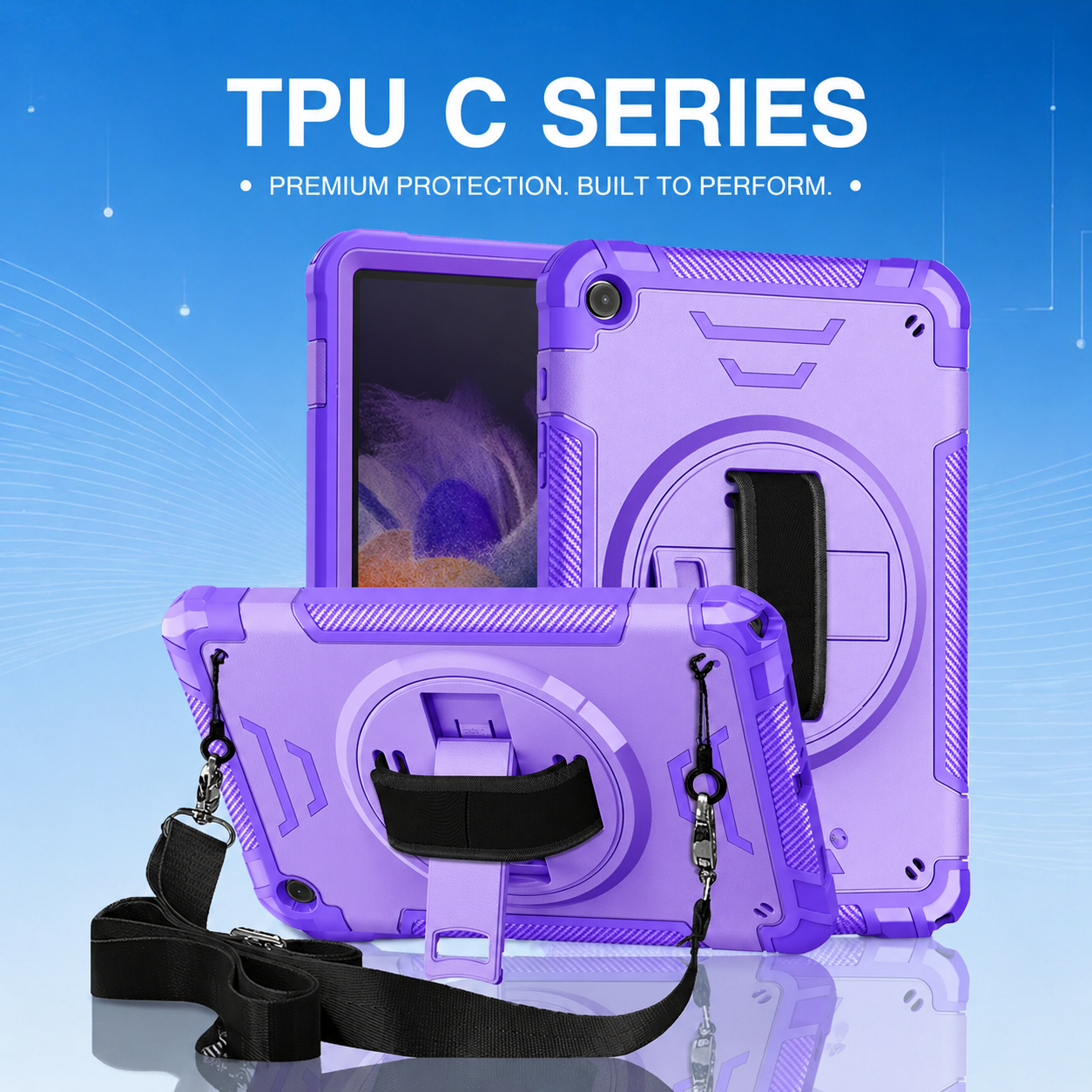

How Multi-Layer Protection Works in Rugged Tablet Cases
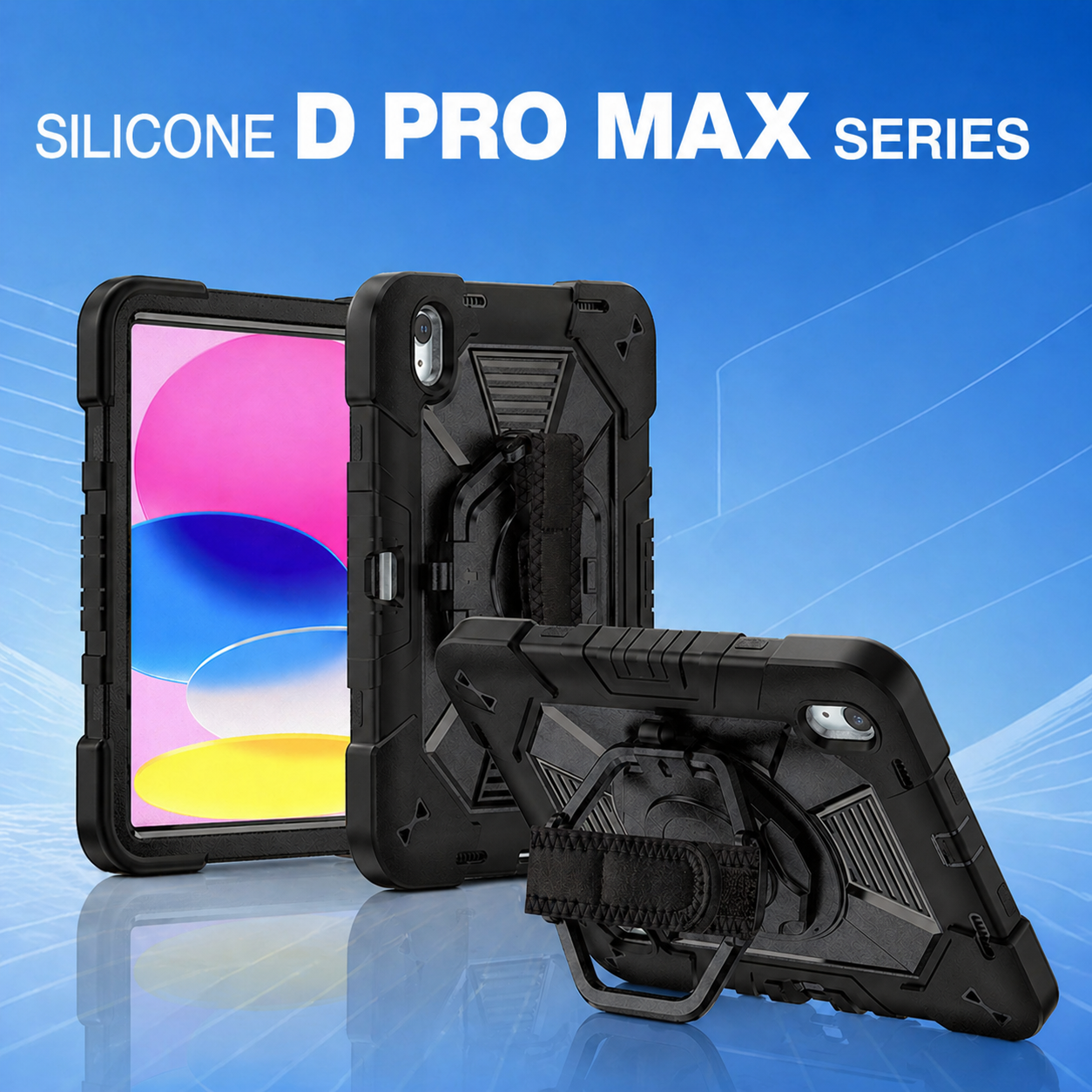
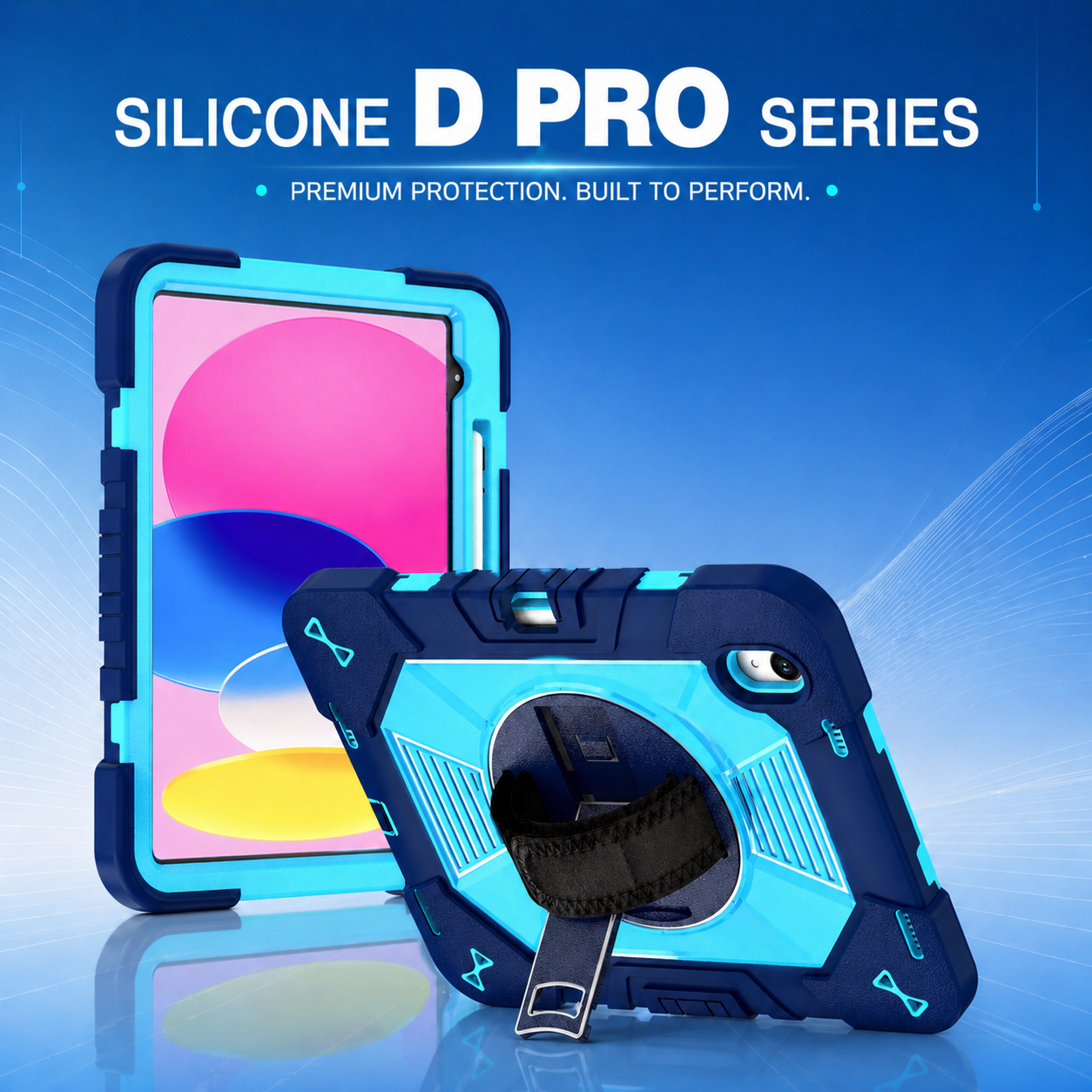
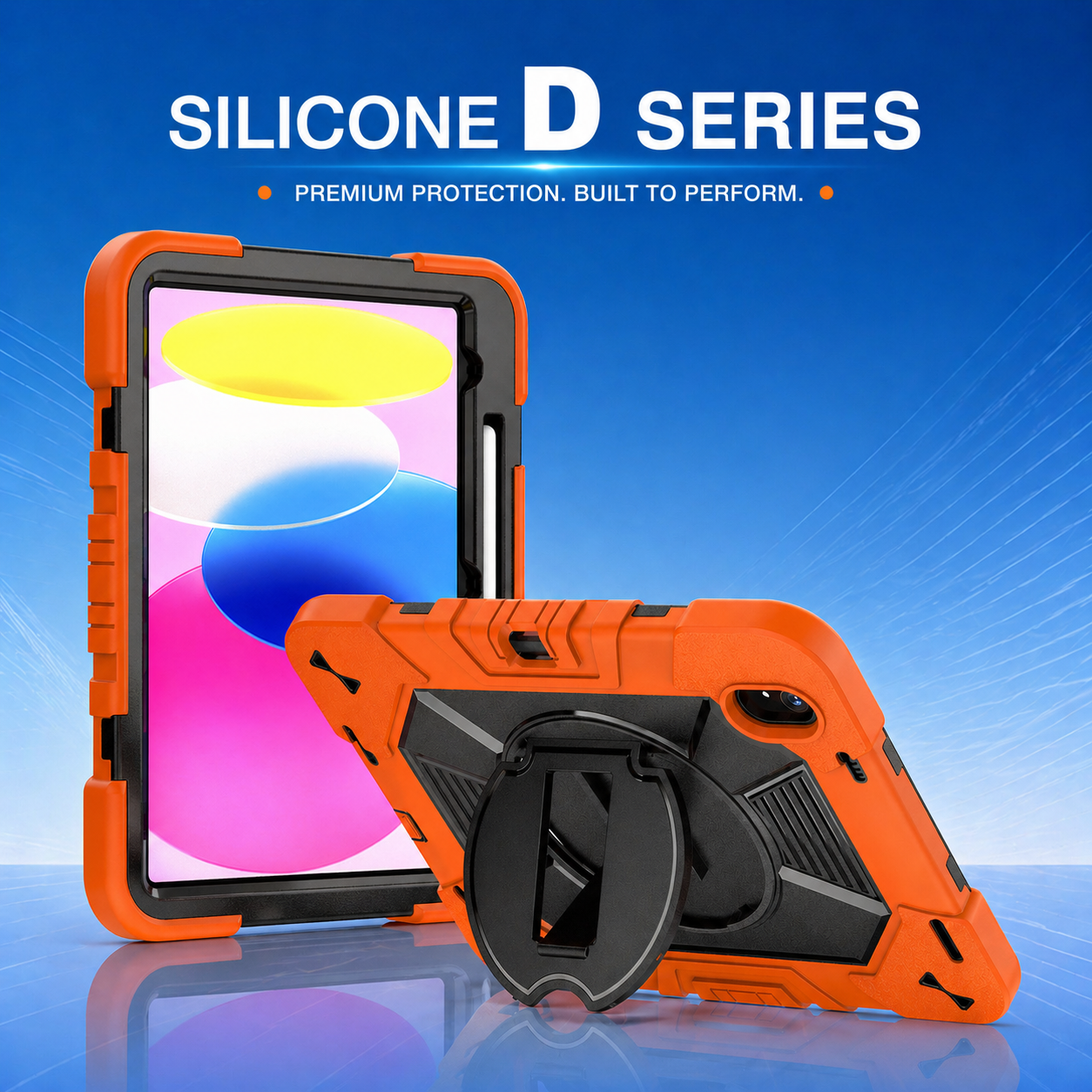
Modern tablets are increasingly used on factory floors, in classrooms, healthcare environments, delivery fleets, warehouses, and field-service operations. In these settings, a basic cover is often not enough. A rugged tablet case must manage impacts, vibration, edge pressure, scratches, and repeated handling without making the device difficult to use. Multi-layer protection solves this challenge by assigning a specific job to each material layer instead of relying on one thick shell.
1. The Outer Shell: Structural Defense
The first protective layer is normally a rigid polycarbonate frame. Polycarbonate helps the case keep its shape when the tablet is dropped or compressed inside a tool bag. It also spreads impact energy across a wider area, reducing the force that reaches one corner of the tablet. Well-designed ribs, reinforced corners, and raised bezels improve this structural defense while keeping cameras, speakers, charging ports, and buttons accessible.
A quality heavy duty rugged Case should not simply add thickness. The shell geometry matters just as much as the material. Engineers use corner bridges, air gaps, and controlled flex zones to create a pathway for impact energy. This is especially important for enterprise devices that may be mounted in vehicles or passed between multiple employees during a shift.
2. The Soft Inner Layer: Shock Absorption
Inside the rigid frame, a softer thermoplastic elastomer or silicone layer works as a cushion. This material compresses during impact and then returns to its original shape. It protects the tablet from sharp acceleration, reduces vibration, and prevents the hard shell from rubbing directly against the device. The best designs control softness carefully: a layer that is too soft may allow the tablet to move, while one that is too hard may transfer too much force.
Texture is also important. Internal honeycomb patterns, raised pads, and flexible corner pockets increase the distance over which the case can absorb energy. These details allow a rugged tablet case to remain protective without becoming excessively bulky.
3. The Front Frame and Raised Bezel
The front section forms a third protective zone. A raised bezel keeps the display away from flat surfaces and helps shield the glass during face-down drops. Some models add an integrated screen protector, while others leave the screen open for users who need maximum touch sensitivity. The correct approach depends on the work environment, glove use, cleaning requirements, and whether the tablet supports a stylus.
For higher-risk environments, a full body protective tablet case combines the back shell, inner cushioning layer, front frame, and optional screen film into one assembled system. This configuration helps protect the entire perimeter of the tablet, including the vulnerable corners and the thin edge around the display.
4. Protection Must Support Daily Use
Protection is only valuable when the case remains practical. A rotating hand strap can reduce accidental drops during inspections or inventory work. A shoulder strap helps mobile employees carry the device while keeping both hands free. A kickstand supports data entry, training videos, point-of-sale tasks, or remote meetings. Each accessory must connect to reinforced points so that the attachment does not become a weak area.
Port covers should block dust without making charging inconvenient. Button covers need enough tactile feedback for gloved users. Camera openings must avoid shadows, while speaker channels should preserve audio clarity. These details separate a professionally engineered case from a generic thick cover.
5. Testing the Complete Protection System
Multi-layer construction should be validated as a complete system. Drop testing from several orientations reveals whether the corners, front frame, and back shell work together. Repeated drops are more informative than a single controlled test because materials can fatigue. Vibration tests are useful for vehicle-mounted tablets, while temperature cycling shows whether the layers remain stable in hot warehouses or cold outdoor conditions.
Manufacturers should also test assembly consistency. If the shell is too tight, it may place stress on the tablet. If it is too loose, the device can move during impact. Accurate tooling, controlled material hardness, and reliable quality inspection are therefore essential.
6. Choosing the Right Layer Combination
The ideal structure depends on the application. Education products may prioritize lightweight corners, easy cleaning, and colorful identification. Healthcare deployments may require smooth surfaces and resistance to frequent disinfection. Warehouse and logistics users may need hand straps, barcode-scanning access, and strong corner protection. Field-service teams often prefer a stand, shoulder strap, and secure port covers.
Rather than selecting the thickest model, buyers should match materials, geometry, accessories, and testing standards to the real working conditions. A well-balanced multi-layer design protects the tablet, supports productivity, and reduces replacement costs across the device lifecycle.
Continue with how the shock-absorbing TPU layer works in the next article.






.png)
+86 13422271740
.png)
info@tongmeitech.com
.png)
No. 34, Mashe Section, Guihe Road, Lishui Town, Foshan, Guangdong, China